SPINN
15 weeks
Research | Concepting | Interaction Design
15 weeks
Research | Concepting | Interaction Design
DESIGN BRIEF
PROJECT PREFACE
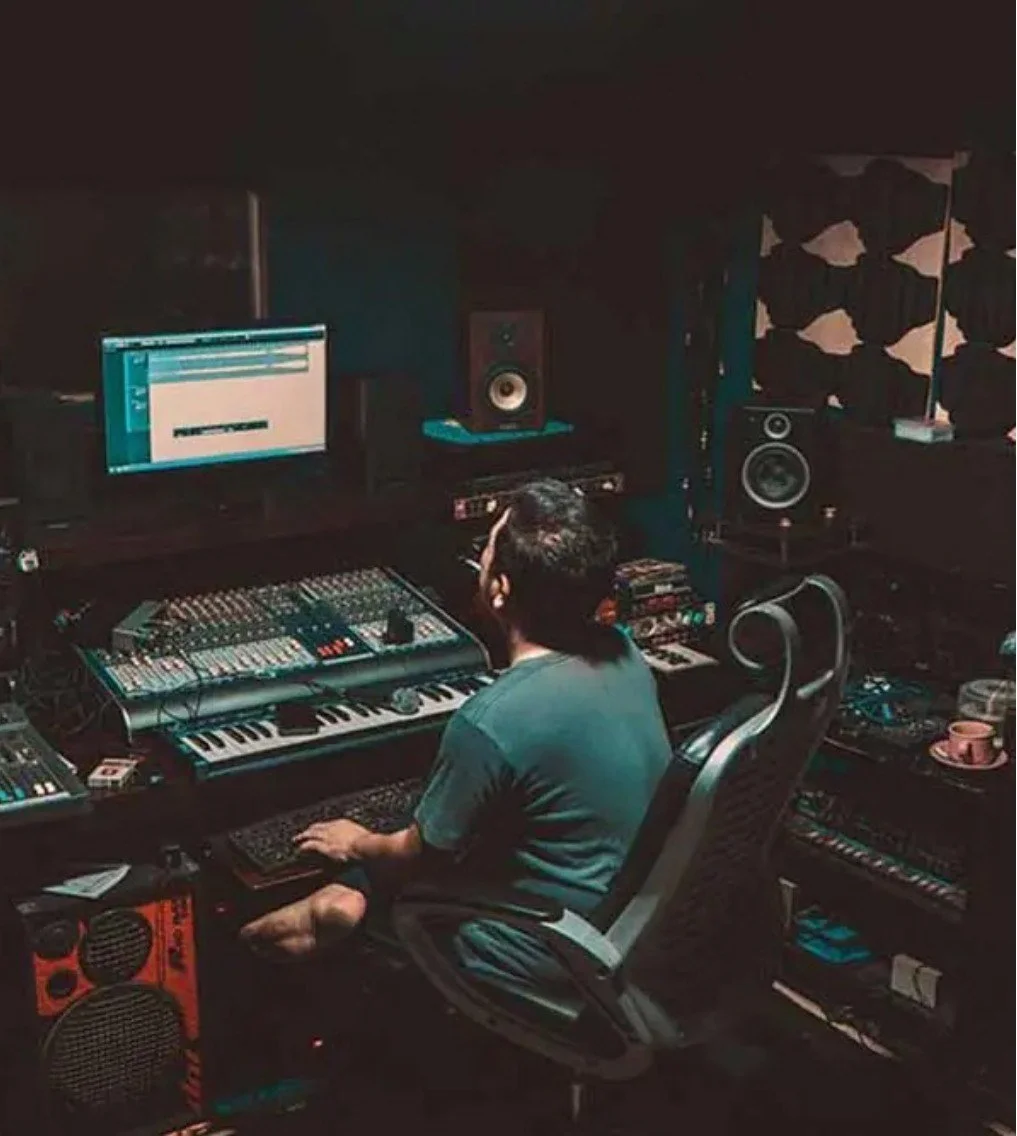
Create a musical device that combines
digital and physical interaction elements.

Bring elements of Japanese culture into the
form of the device.
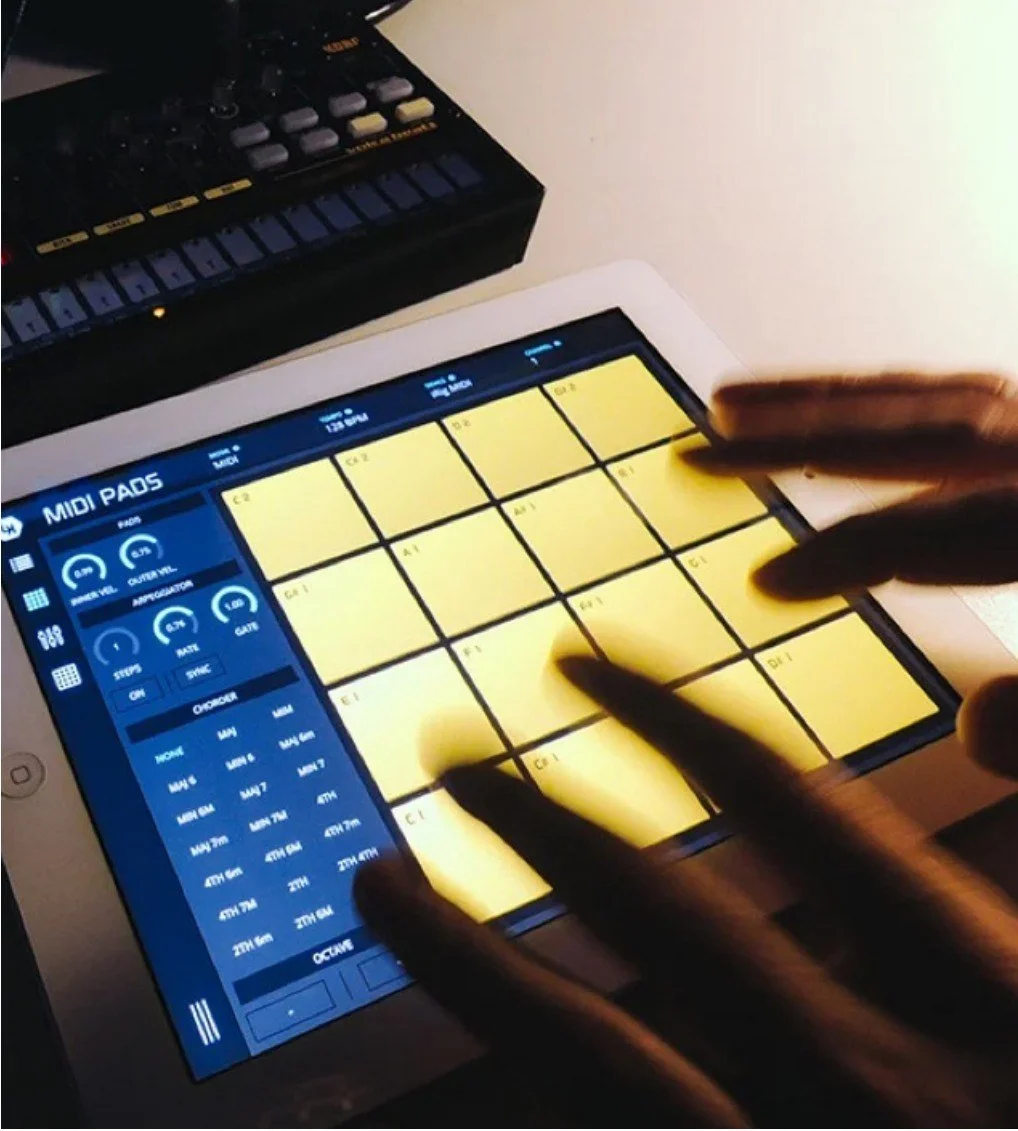
Understand and craft the interaction with
the instrument.
UNDERSTANDING THE PROJECT
RESEARCHING
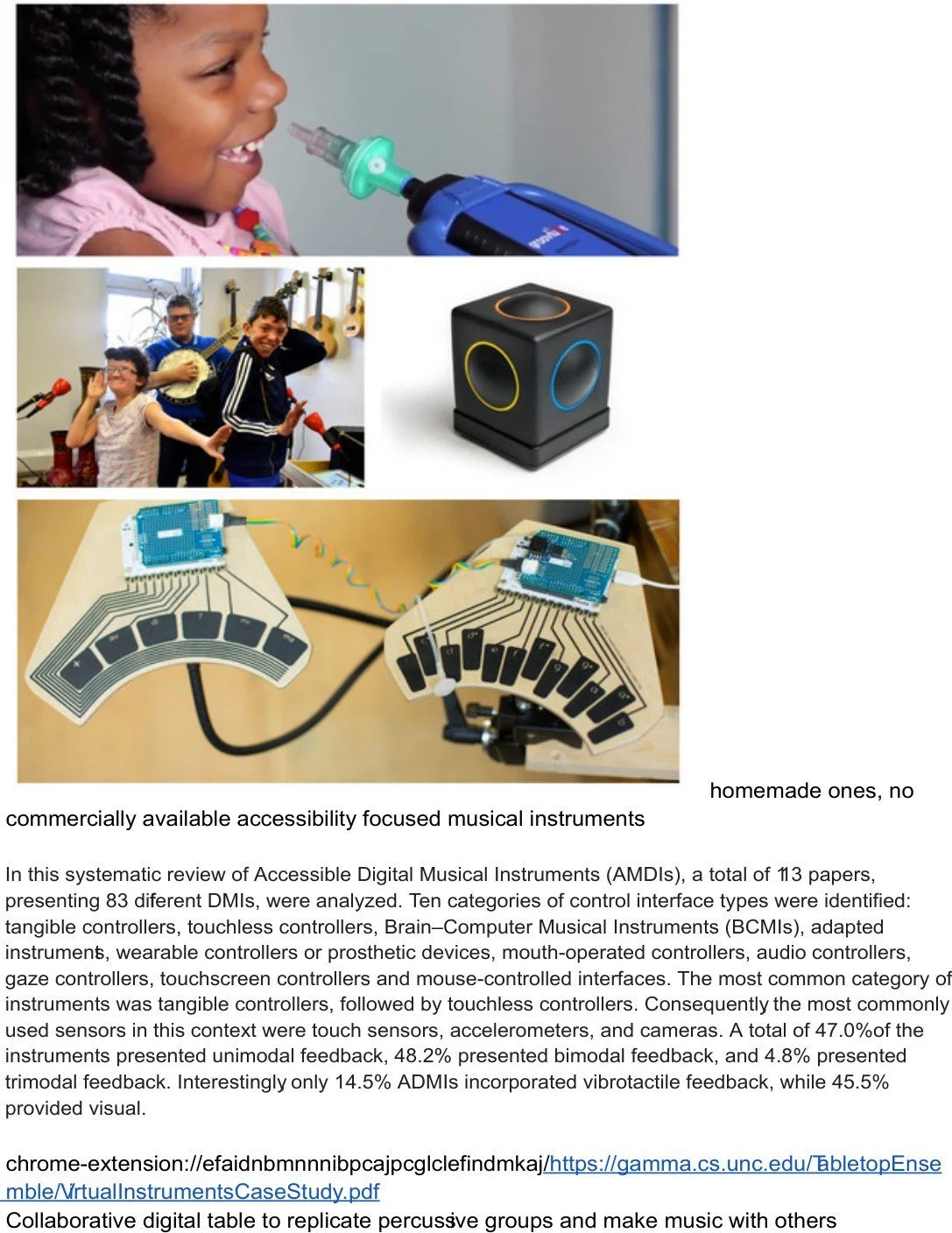
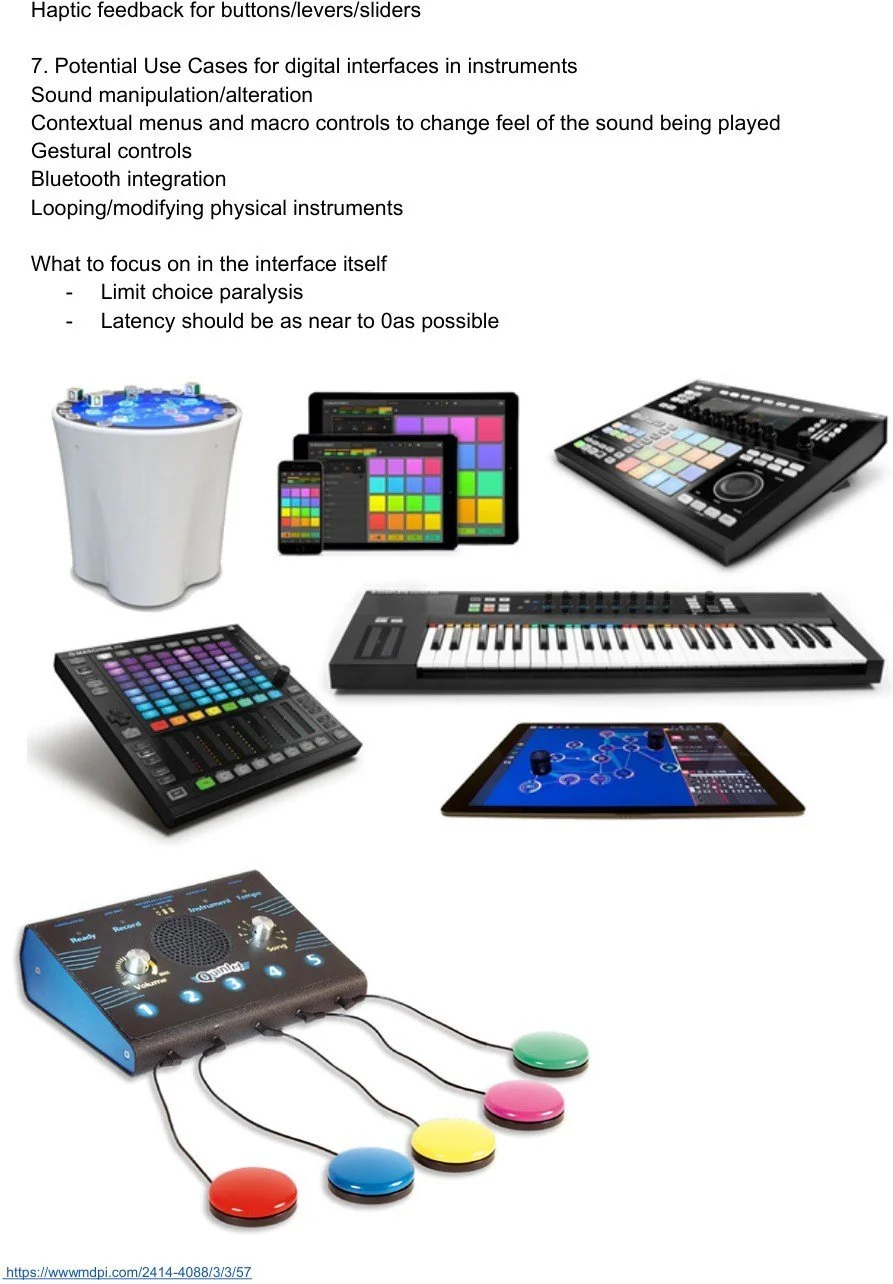
The research was split into
sections. This is the research into
unique interaction types, both
physical and digital.
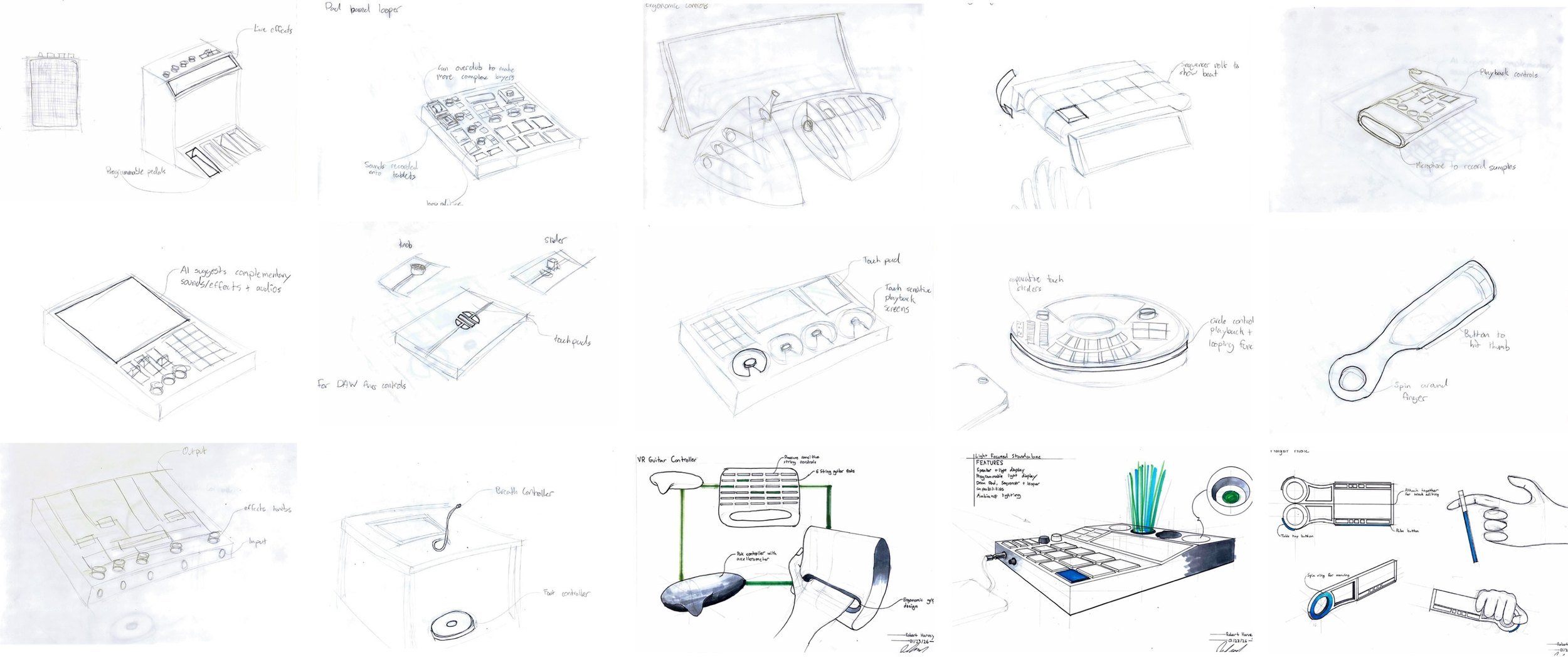
CONCEPTING ROUND 1
THE FIRST SKETCHES
CONCEPTING ROUND 2
WIDE ARRAY OF IDEAS
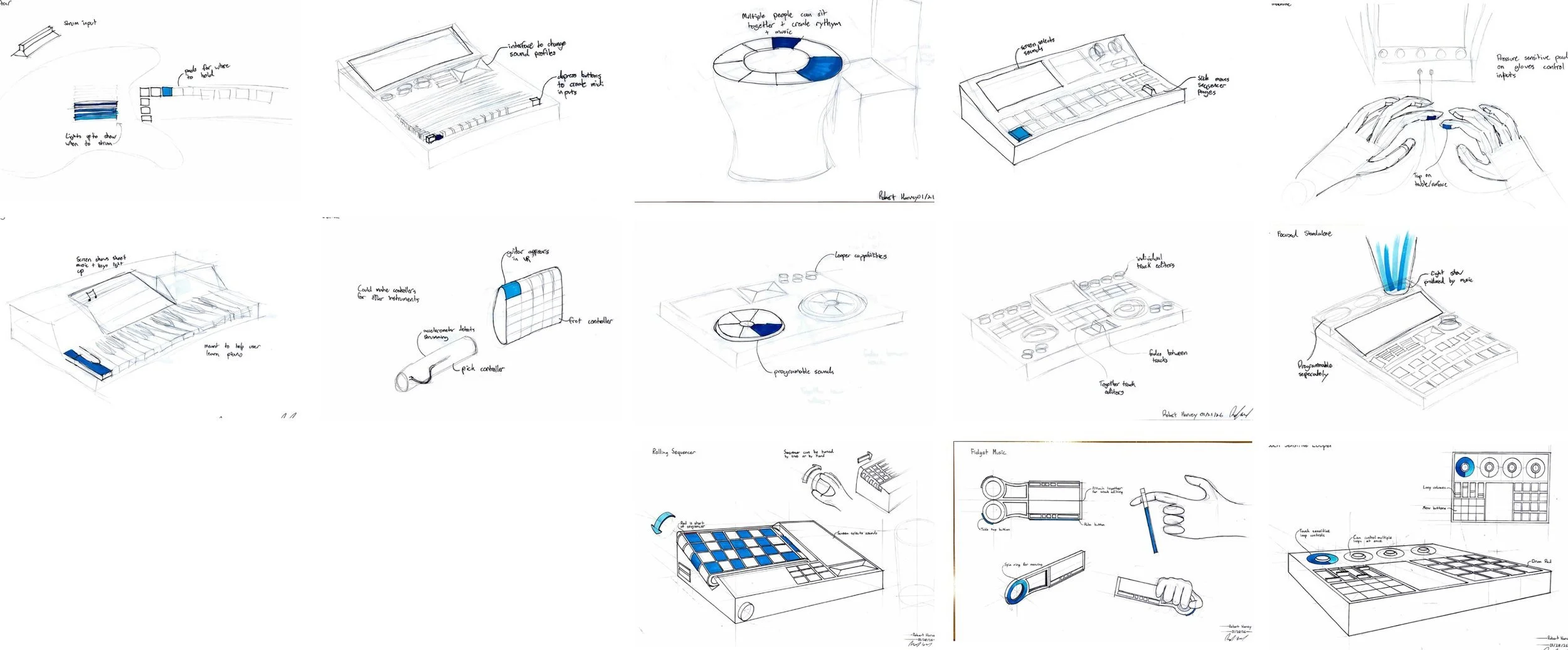
A total of 40 concepts were created,
from which 5 were chosen for feedback.
A total of 40 concepts were created,
from which 5 were chosen for feedback.
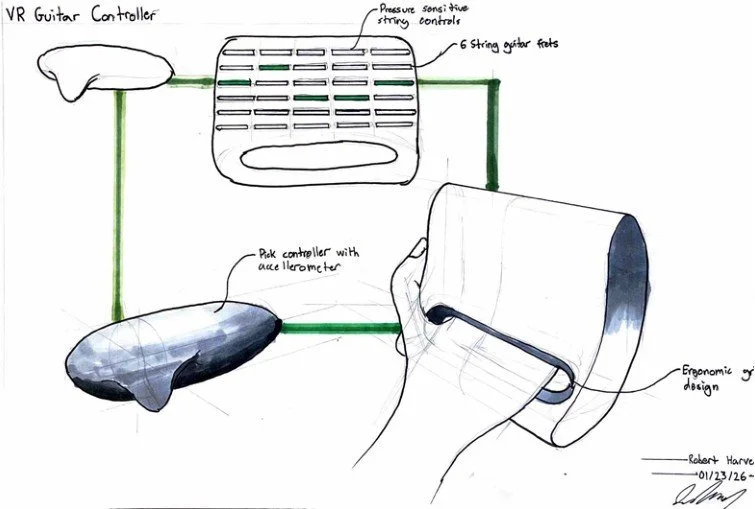
NARROWING IDEAS
FINAL CONCEPTS
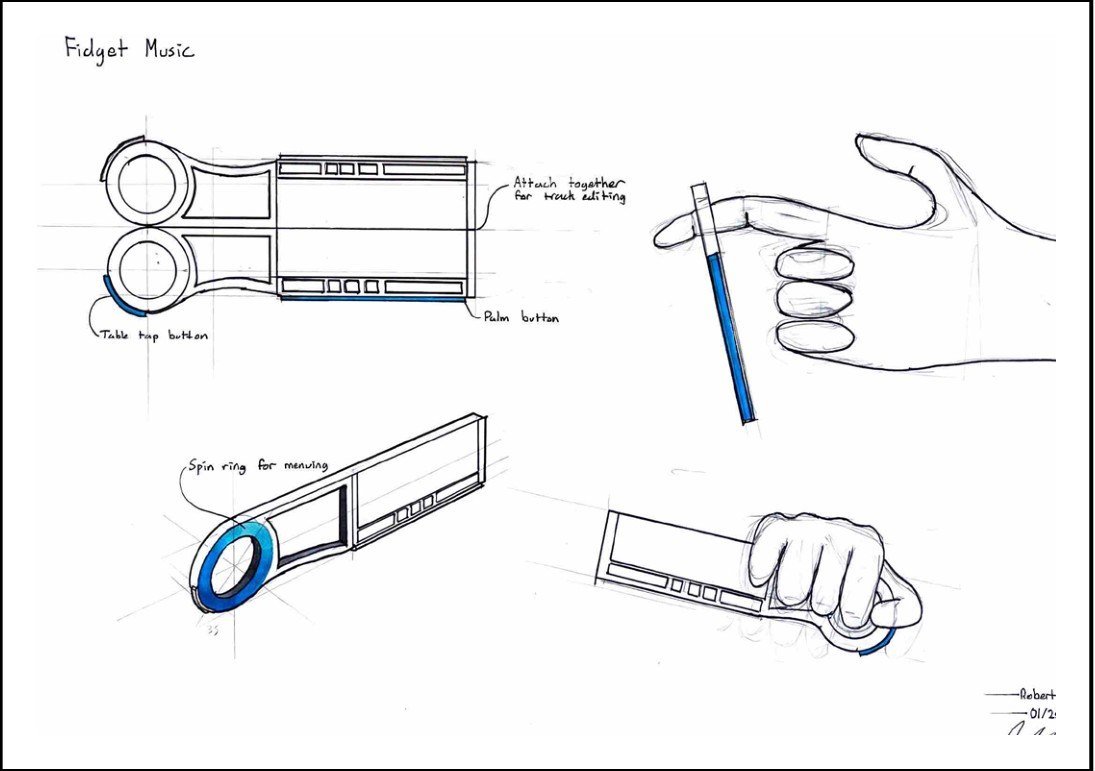
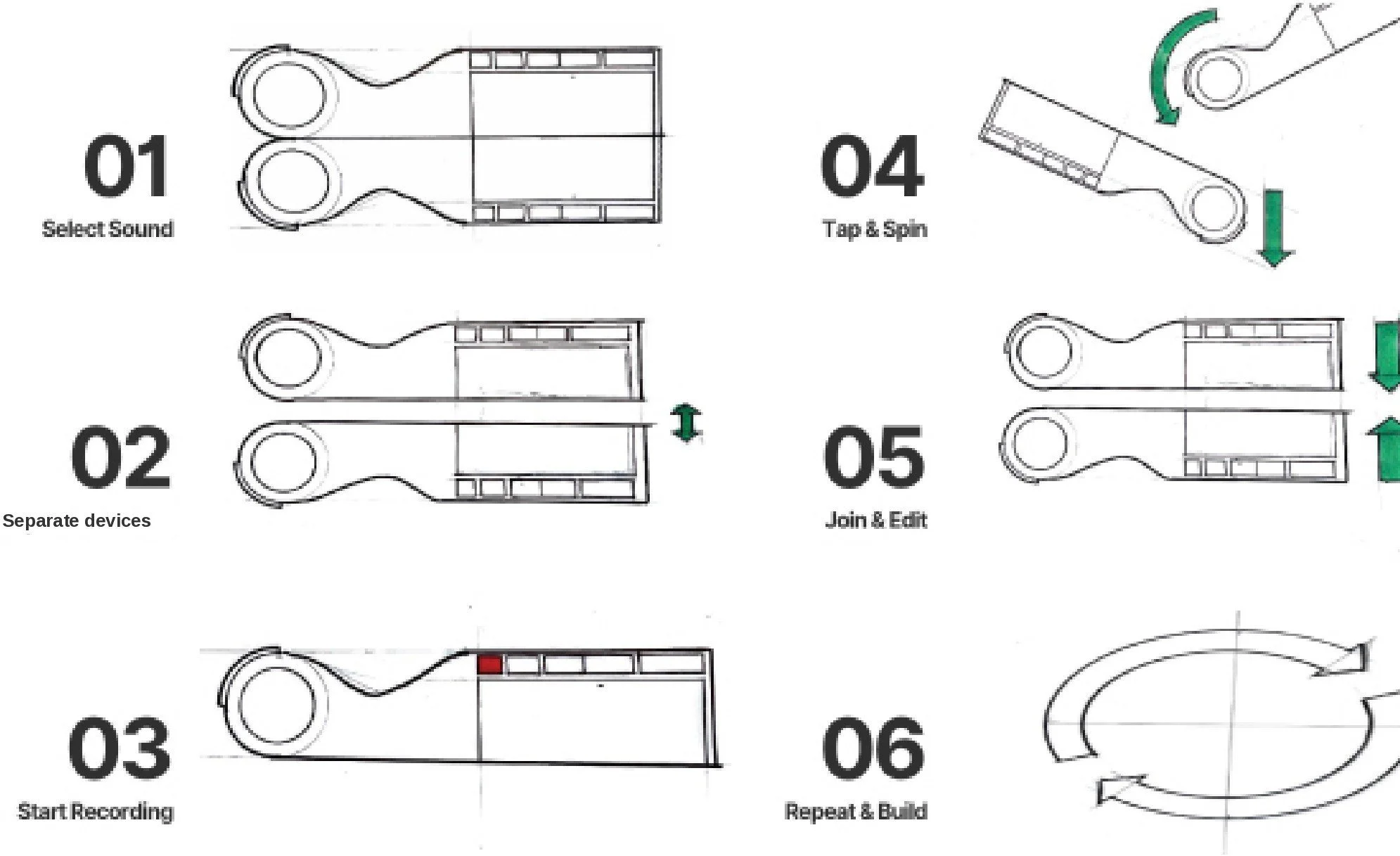
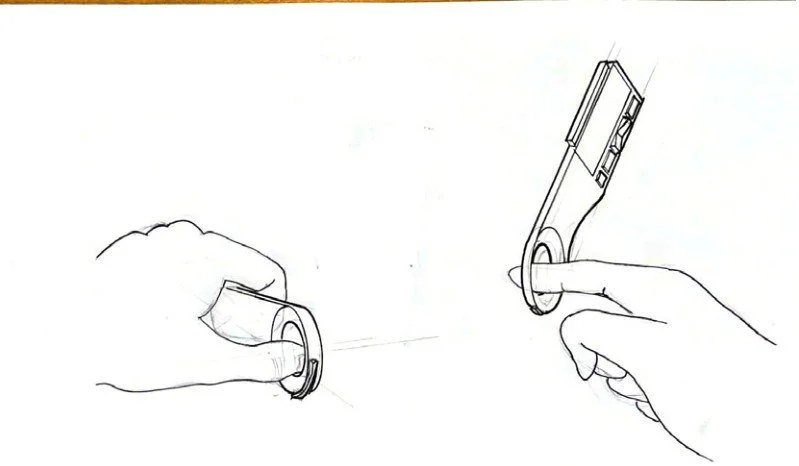
The spinning device was
chosen because of the
uniqueness of the
interaction and the
challenge of creating a
musical instrument based
off of spinning and
tapping the instrument
LEARNING THE PRODUCT
CONCEPT DECIDED
PHYSICAL LEARNINGS
FOAMCORE PROTOTYPES
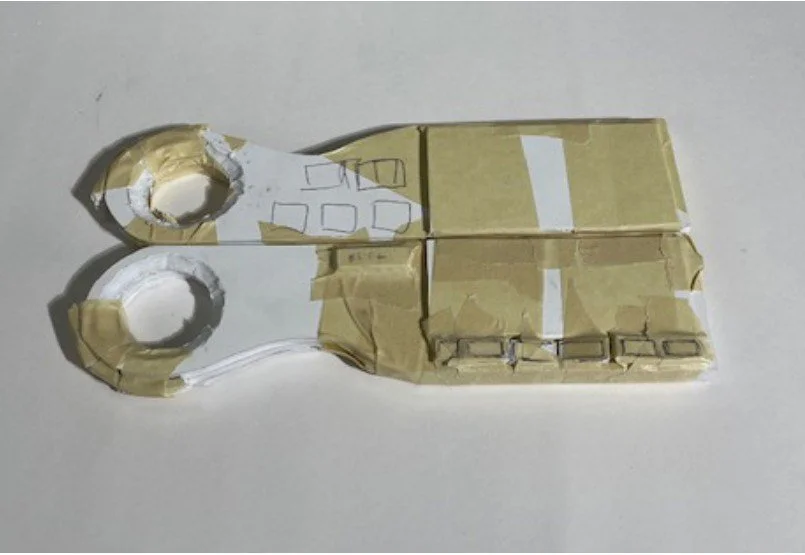
First physical prototype
Drum pads added for more sounds
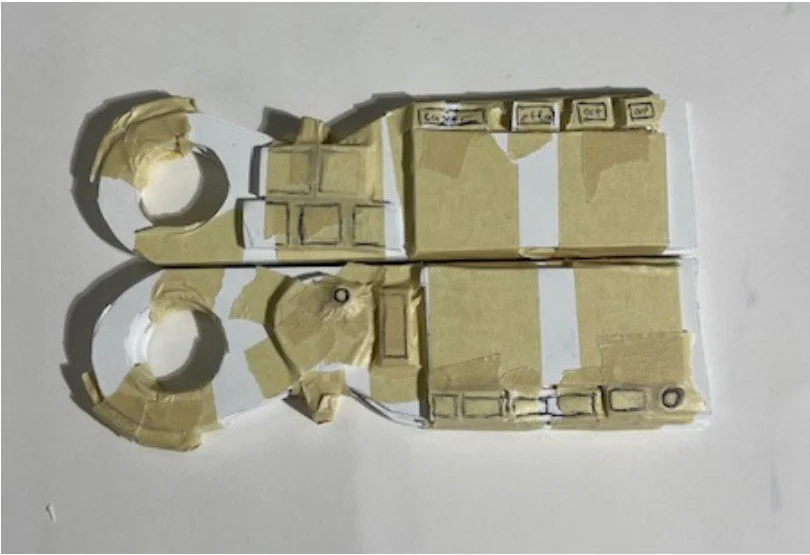
Finger grip mechanism added
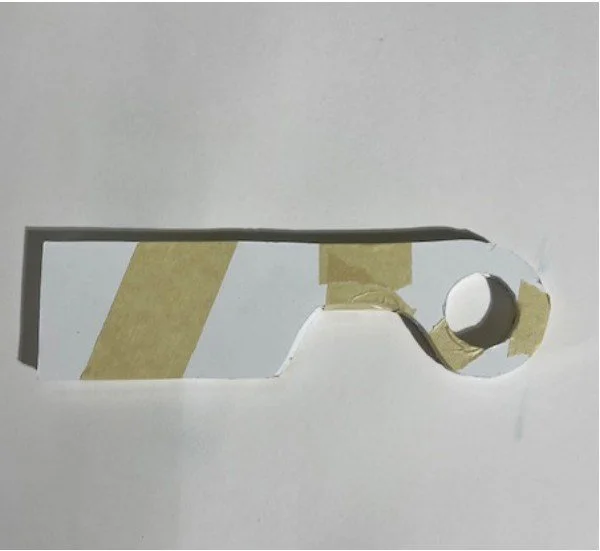
Ergonomic testing
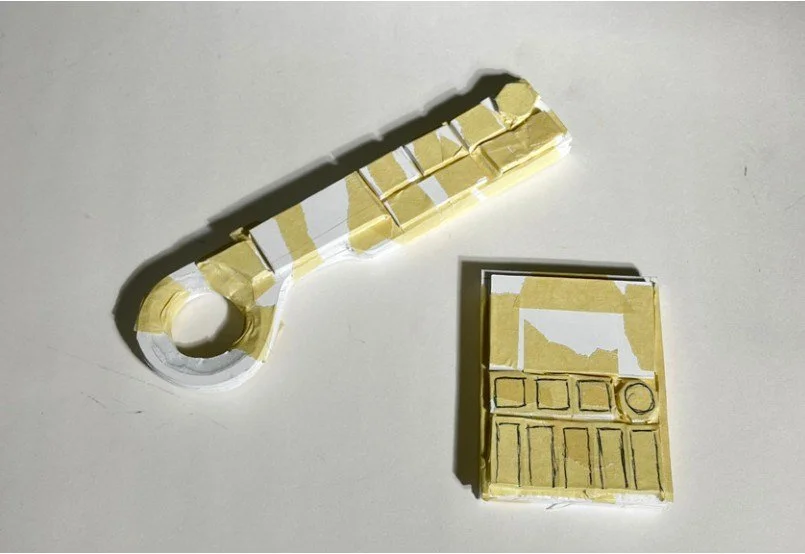
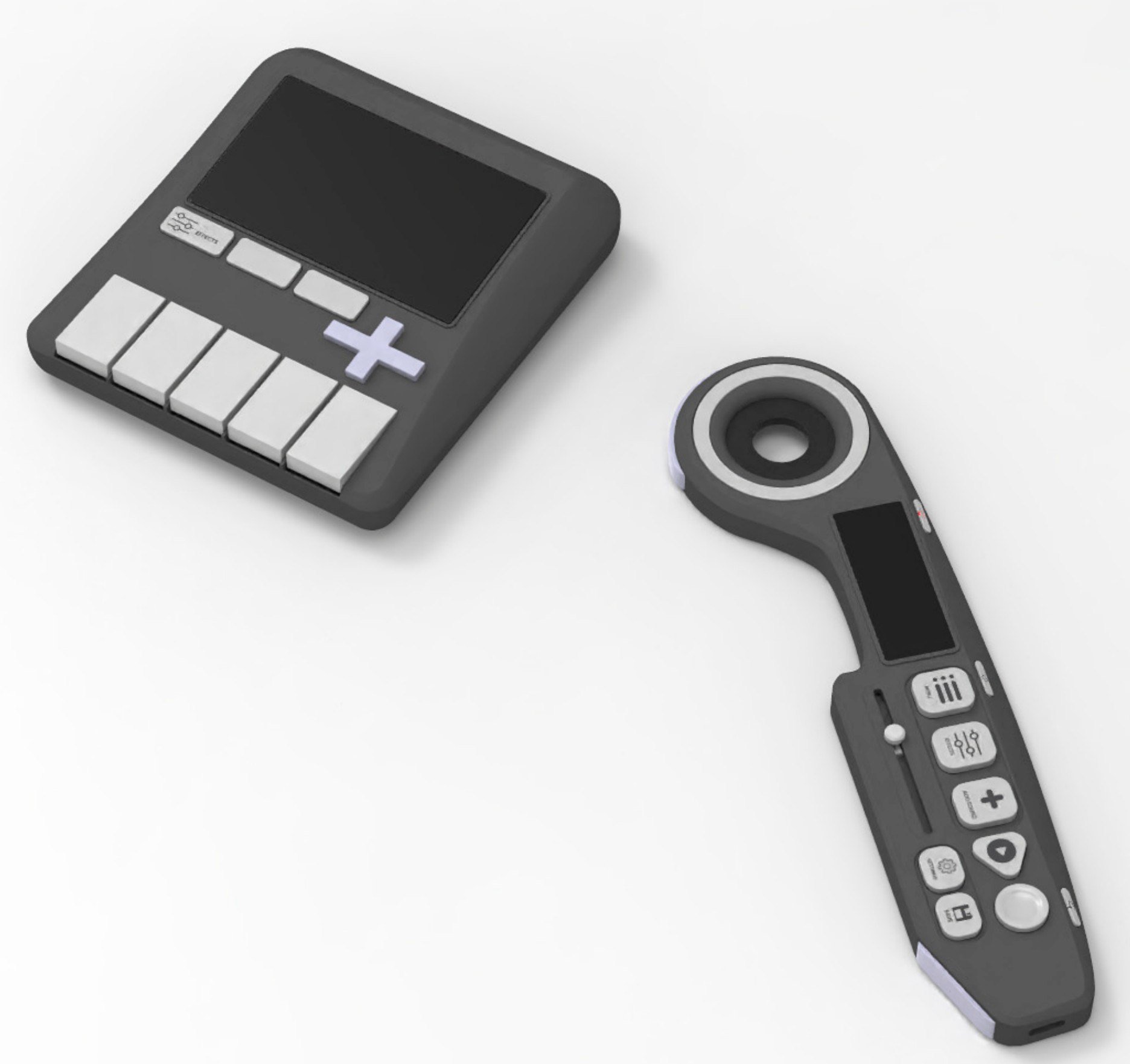
Second device replaced with attachment
device for simplicity within main device.
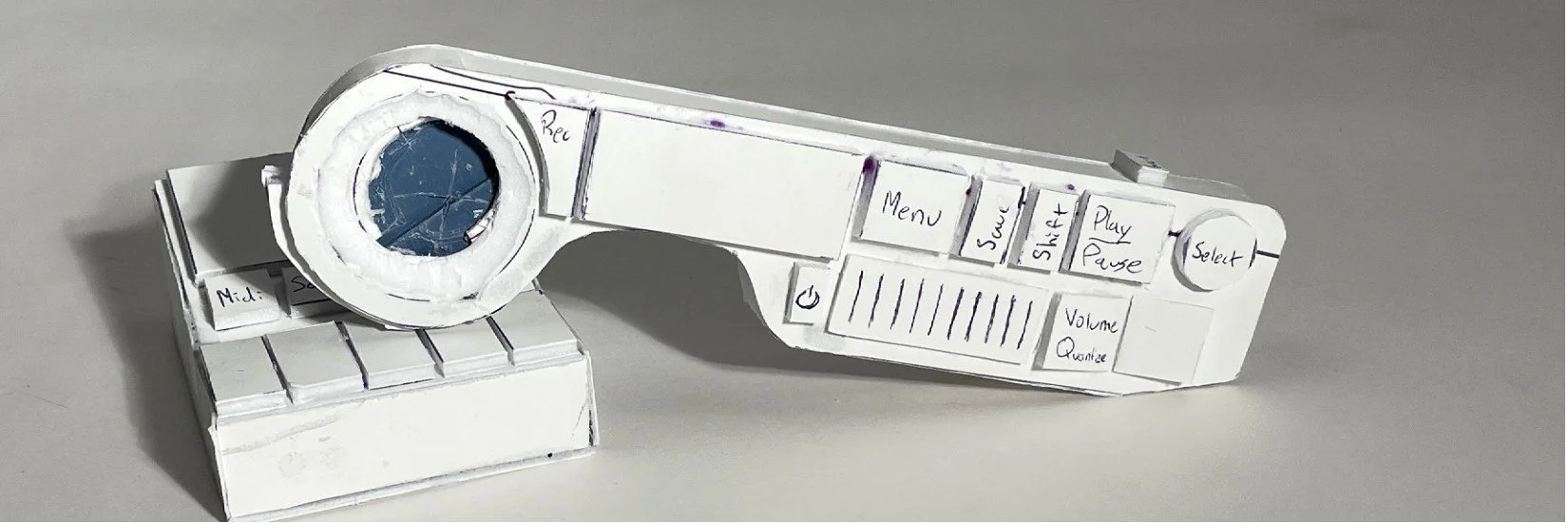
Final physical prototype and WIP button layout
Rubber ring added to grip finger instead of mechanism
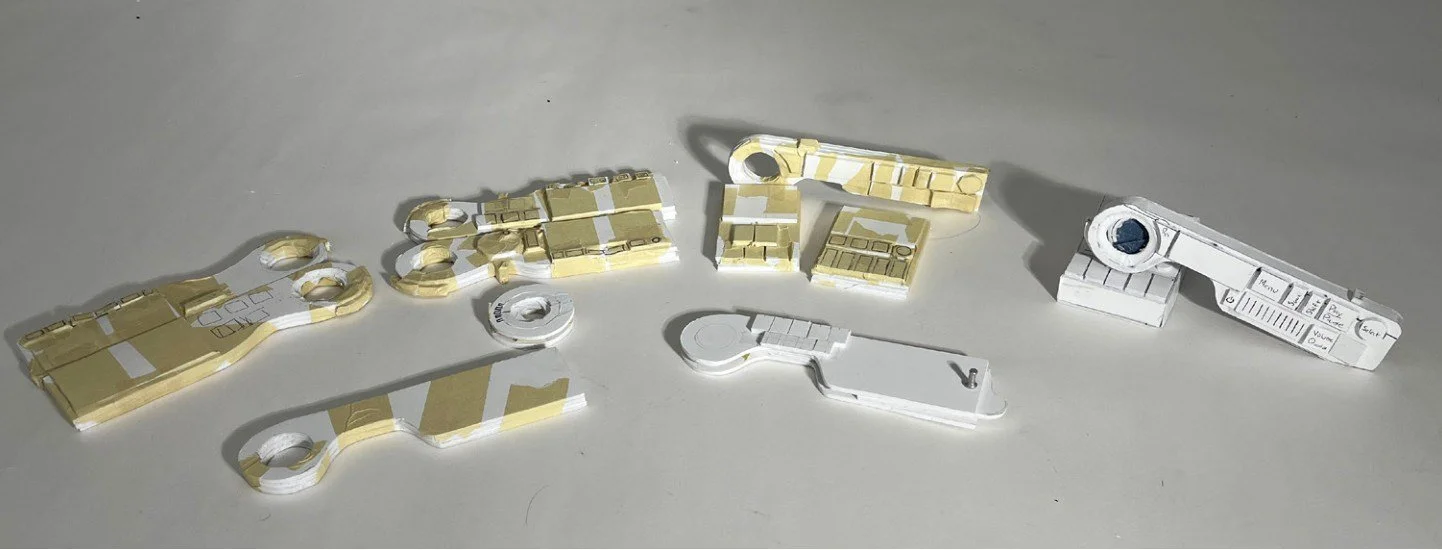
All physical prototypes done before leaving for Japan.
FORM DEVELOPMENT
BEGINNING OF JAPAN
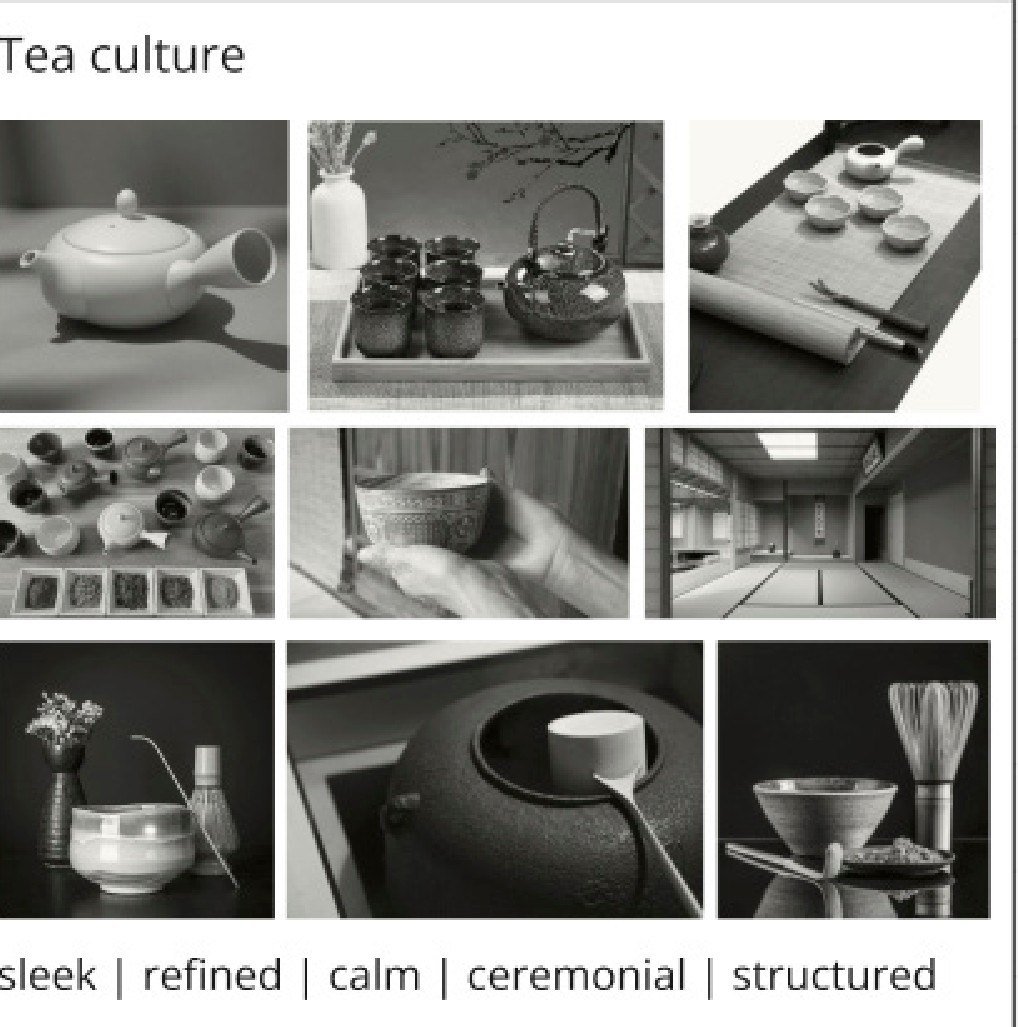
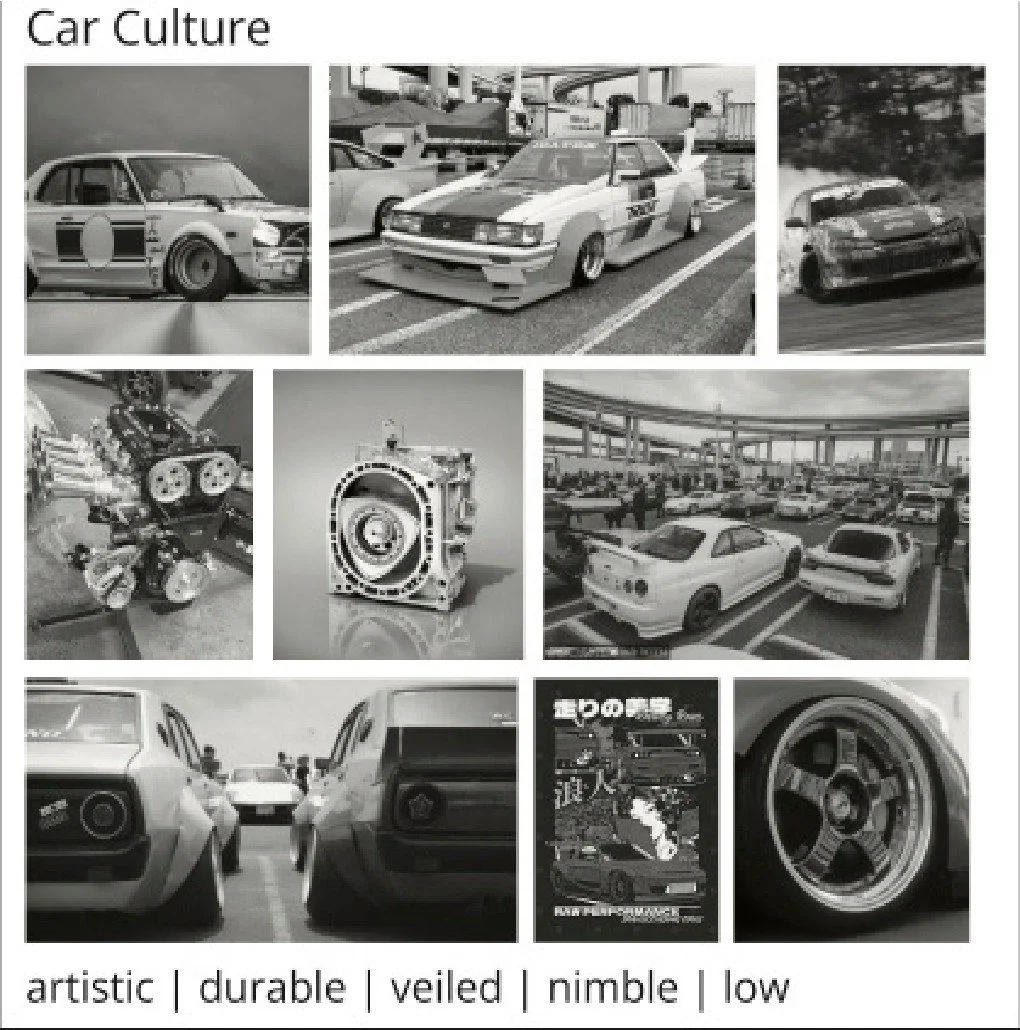
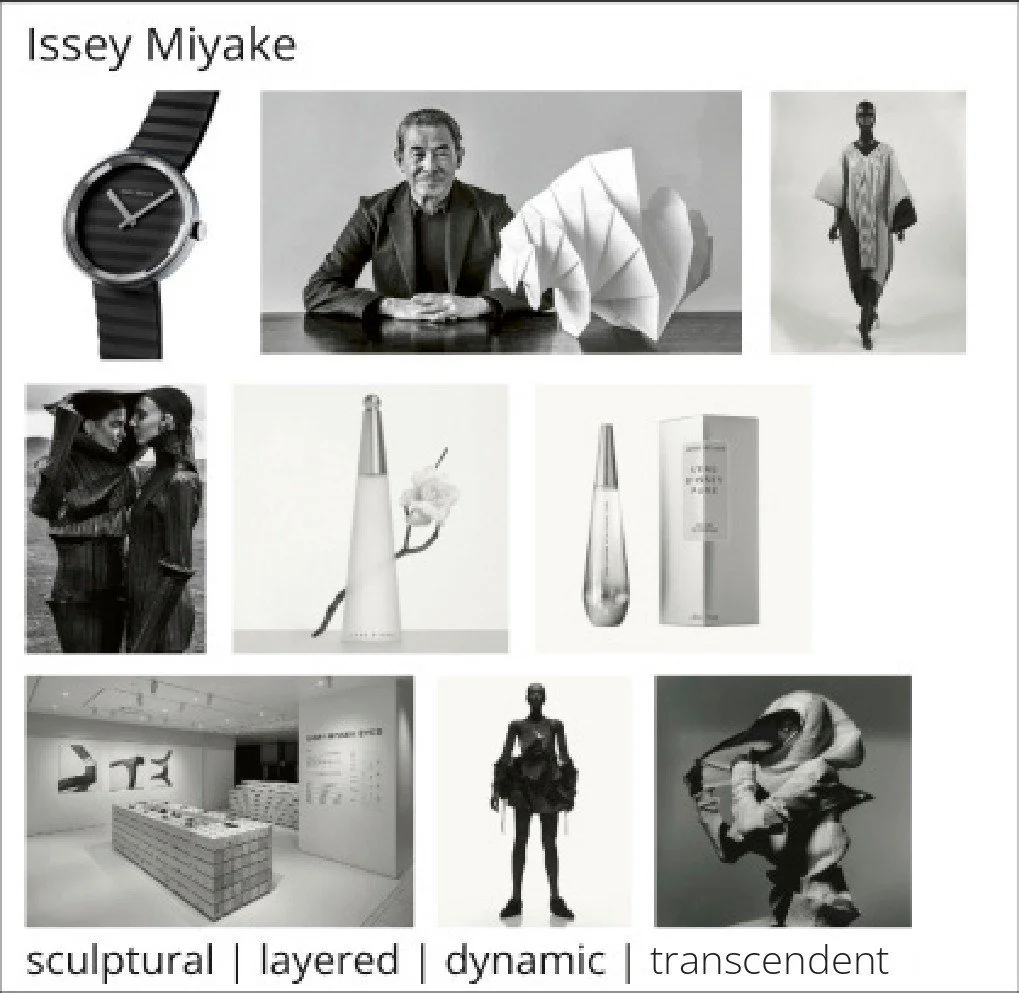
Elements of Japanese culture were chosen
and examined to determine the adjectives
that define them and the characteristics
that make them uniquely Japanese. I chose
tea culture to move forwards with for the
physical direction of my device.
FORM DEVELOPMENT
BEGINNING OF JAPAN
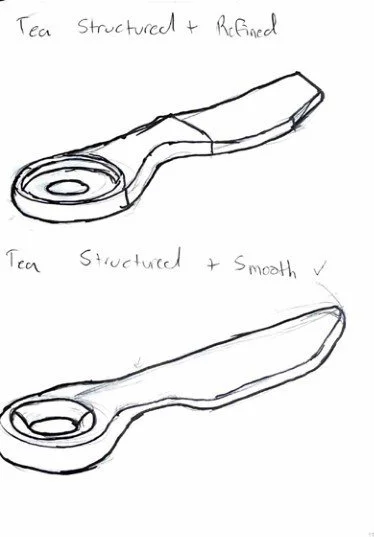
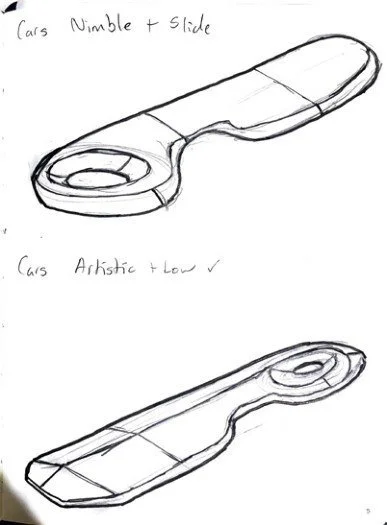
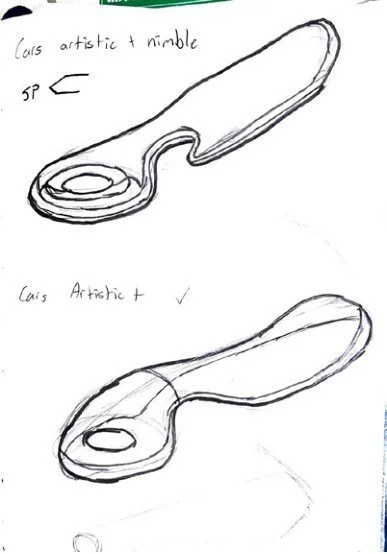
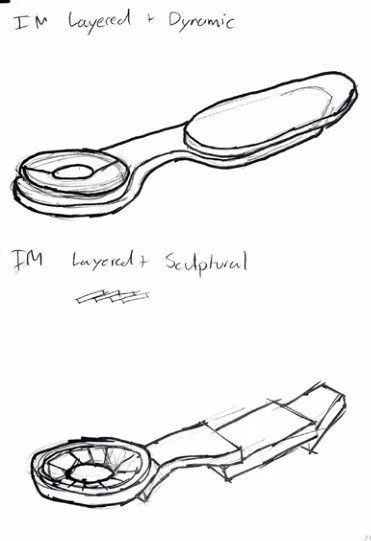
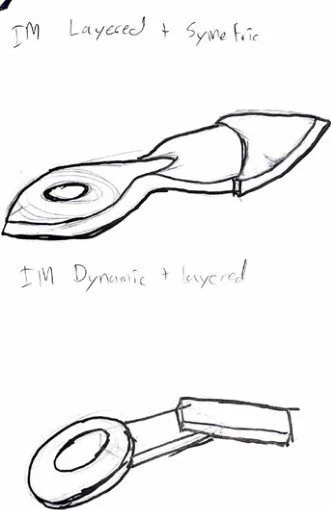
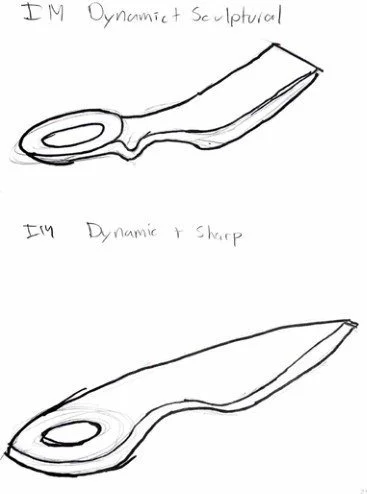
The adjectives were then
used within a
morphological matrix
framework to create
unique, expressive
form concepts.
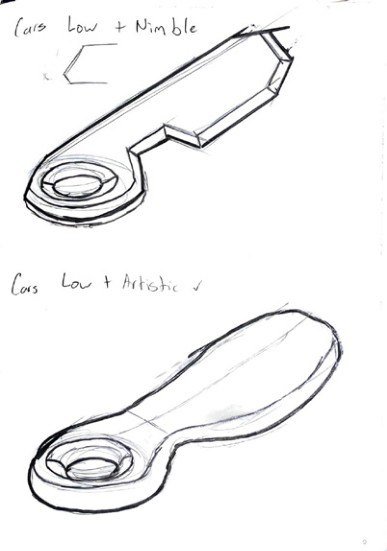
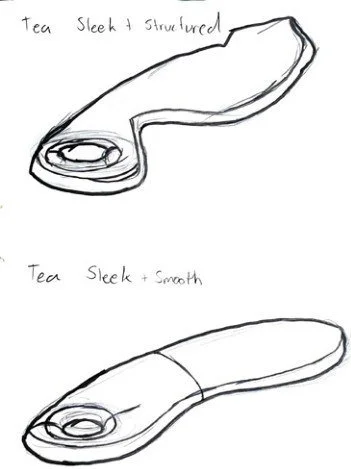
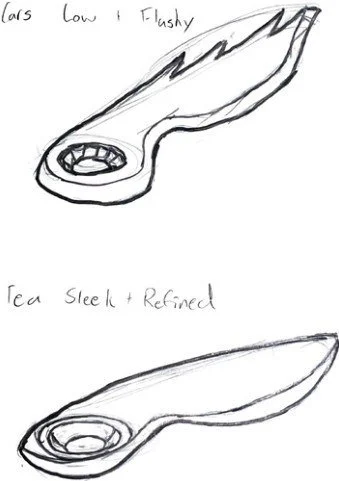
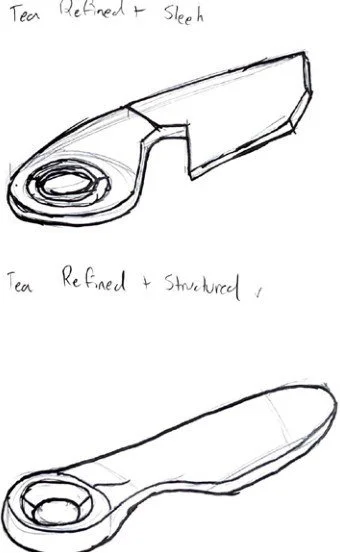
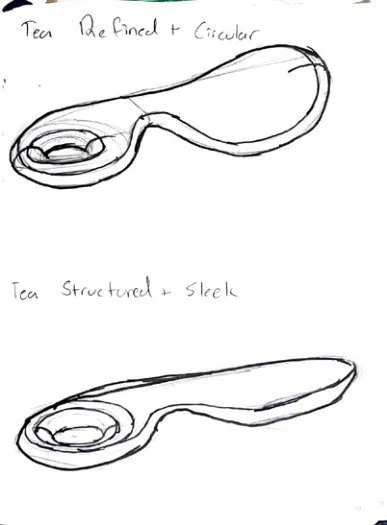
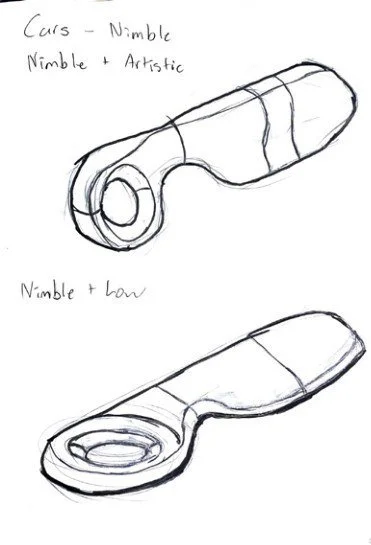
After class feedback, a
rounder form with a
flatter profile was the
direction chosen. The
round form implicates
movement of the device,
and the flat profile
facilitates button and
screen placement.
FORM DEVELOPMENT
BEGINNING OF JAPAN
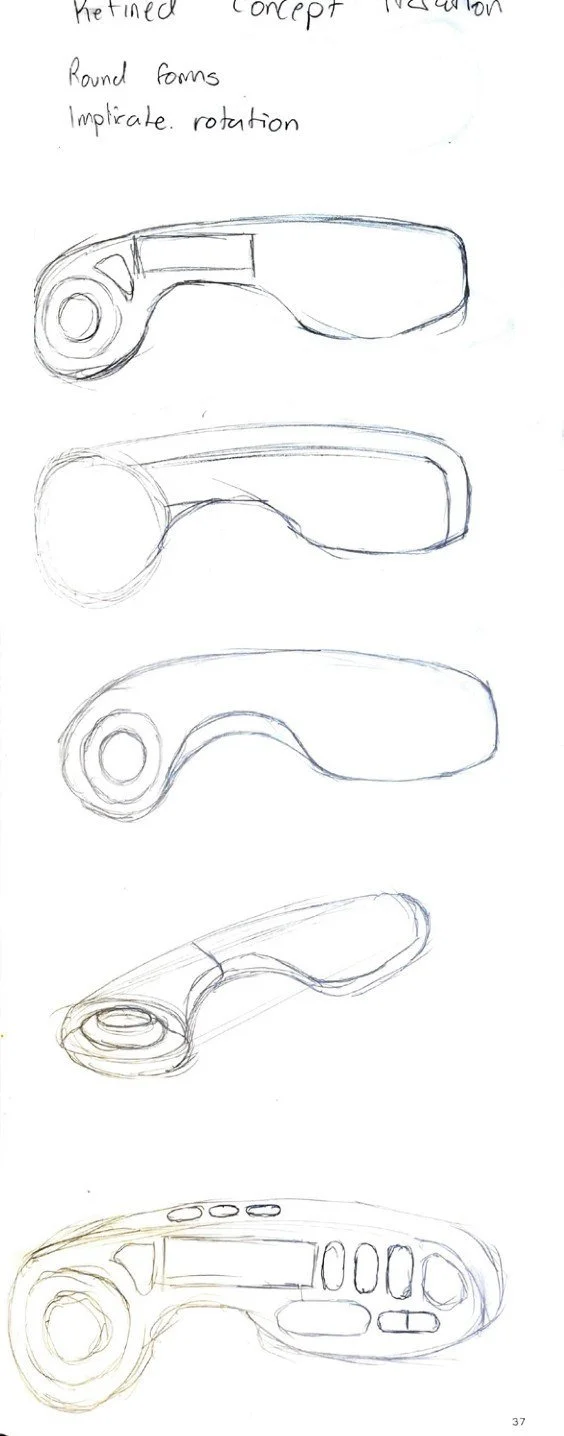
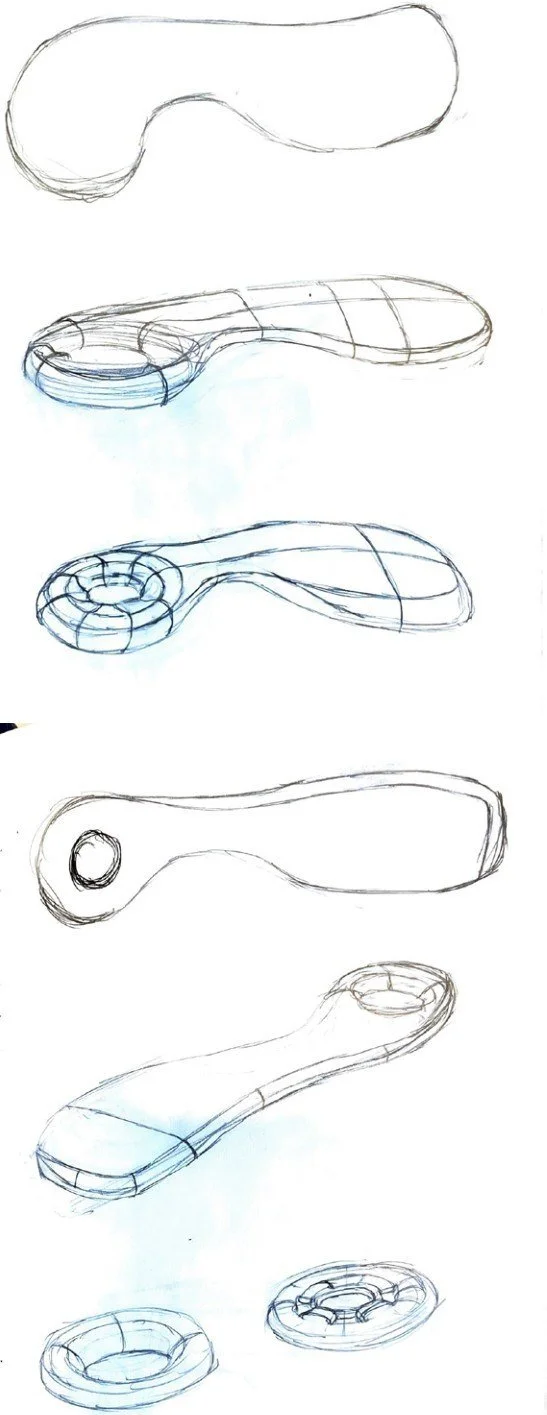
The form was
then developed
further, mainly in
the details and
the surfacing.
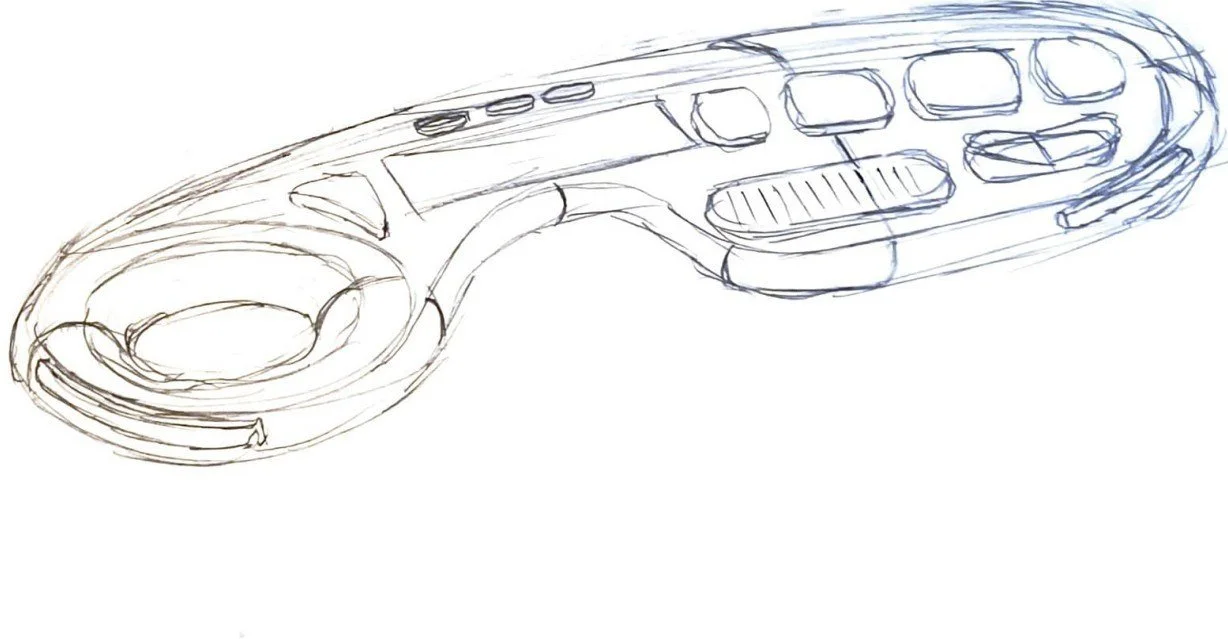
The final form chosen in this stage.
The final form chosen in this stage.
DIGITAL DEVELOPMENT
DISPLAY SCREEN DEVELOPMENT
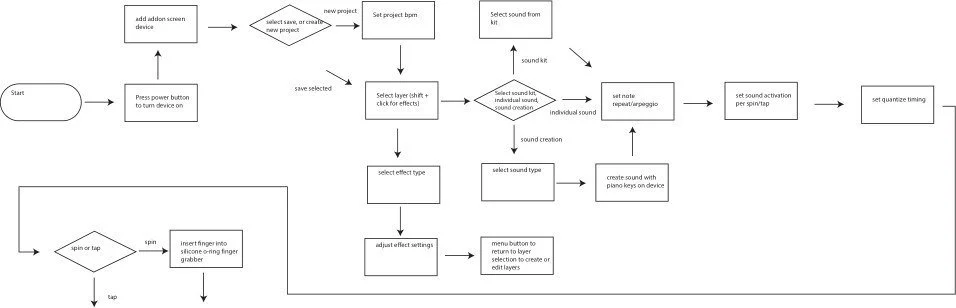
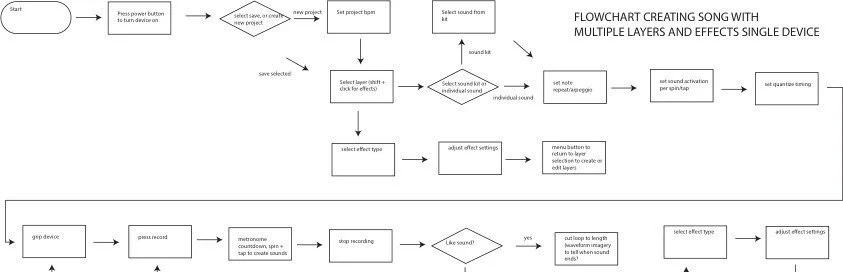
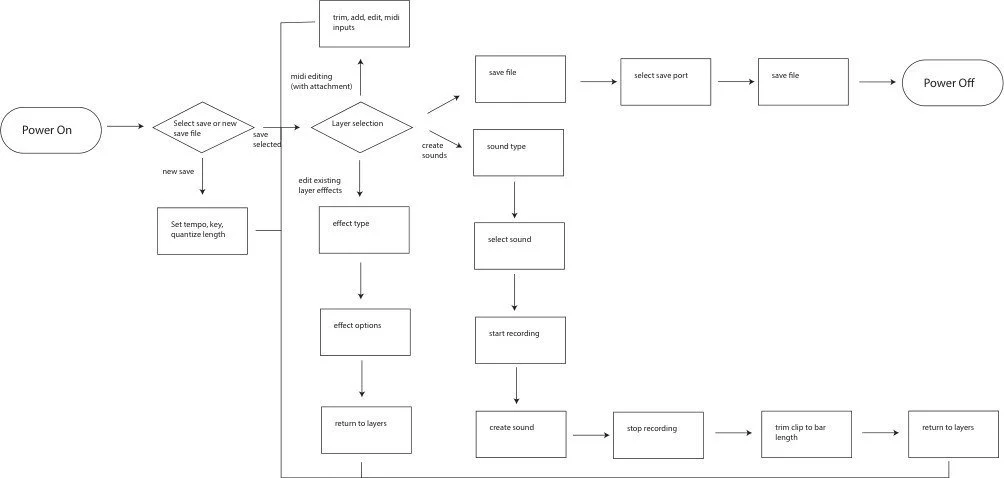
Final interaction design flowchart for single
device use.
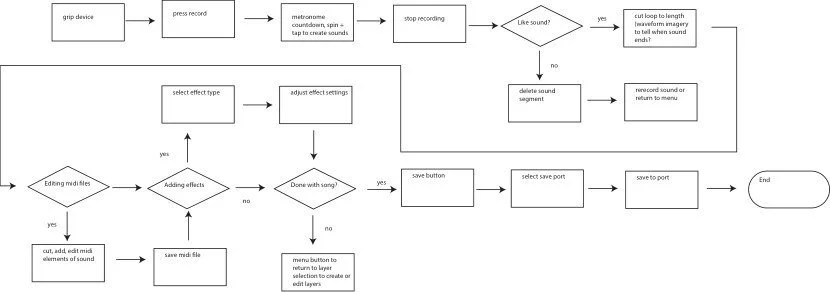
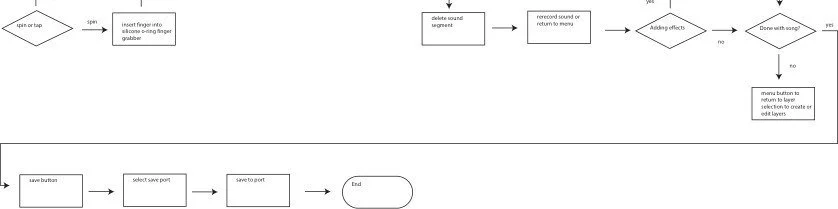
Developing flowcharts for use of the device
both with and without the attachment
INTERACTION DESIGN
FINE TUNING
Main menu
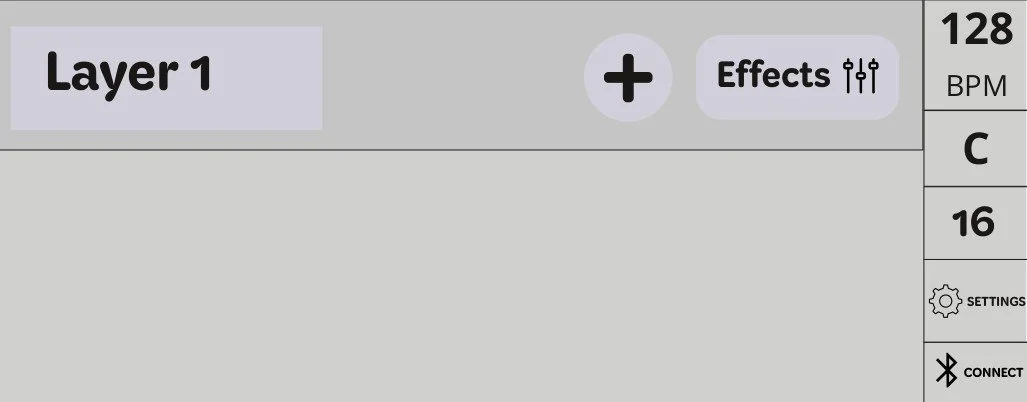
Bluetooth menu
File settings menu

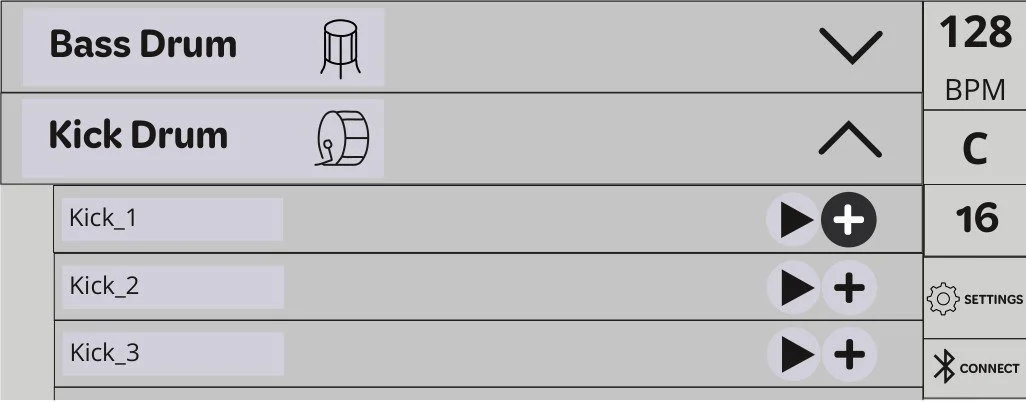
Sound selection menus
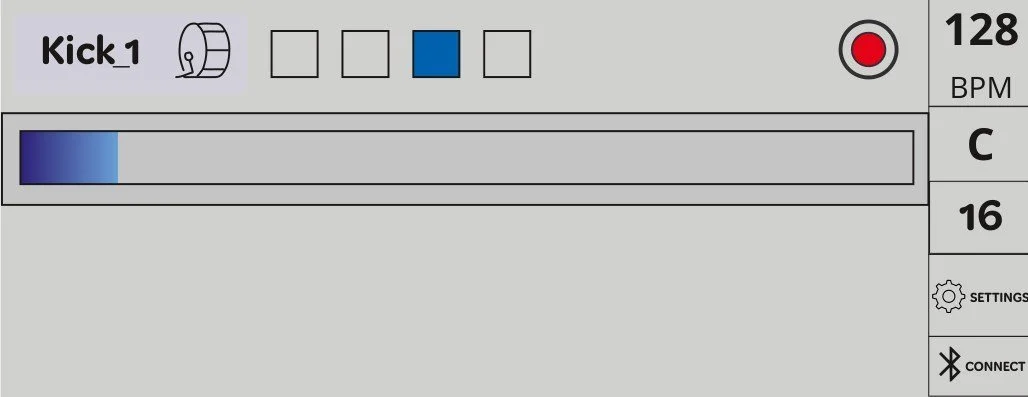
Beat addition screen
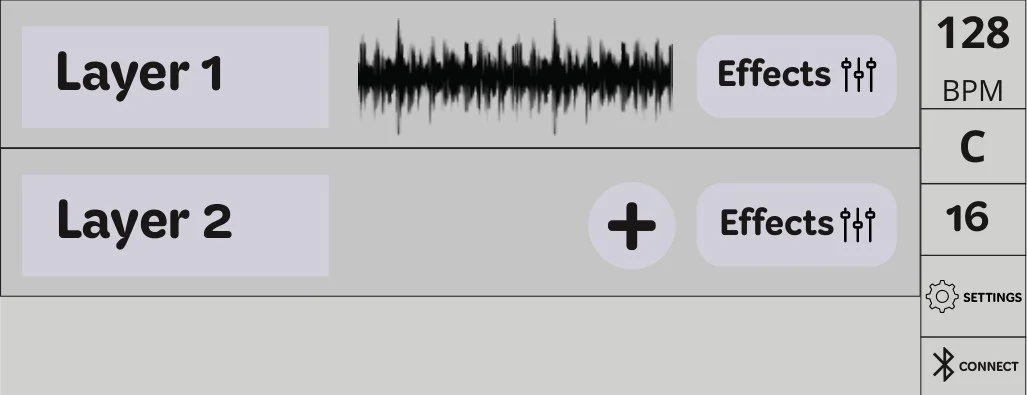
Main menu with track added
THE SCREEN WAS WRONG
INTERACTION REDEFINEMENT
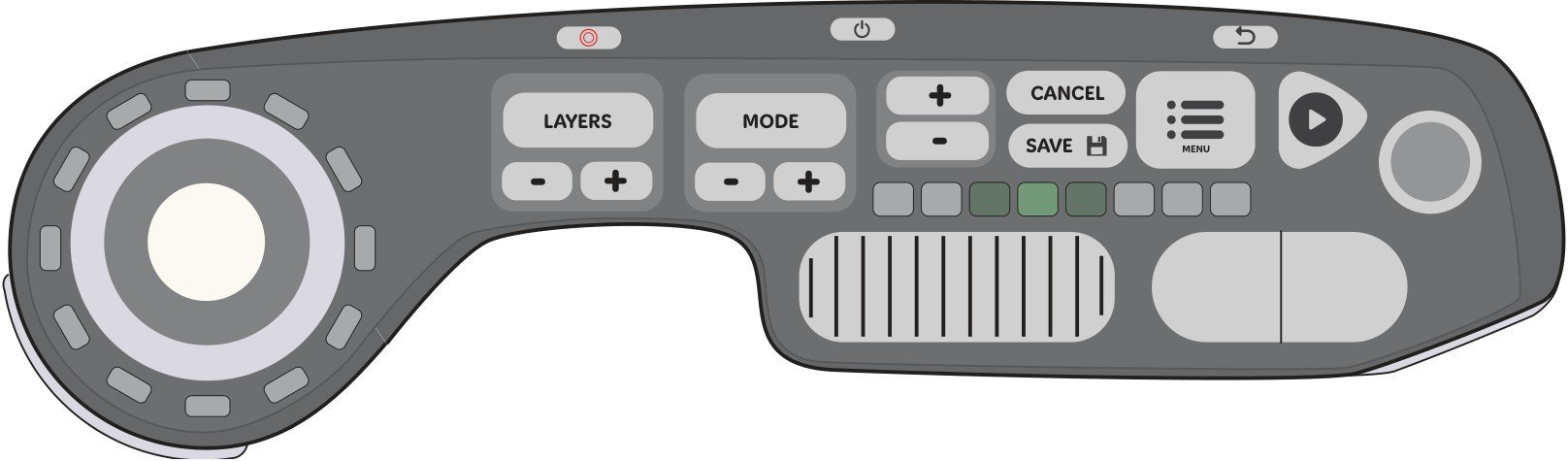
Developed a screenless device version to try and transfer screen
functionality into buttons and understand what the screen needs.
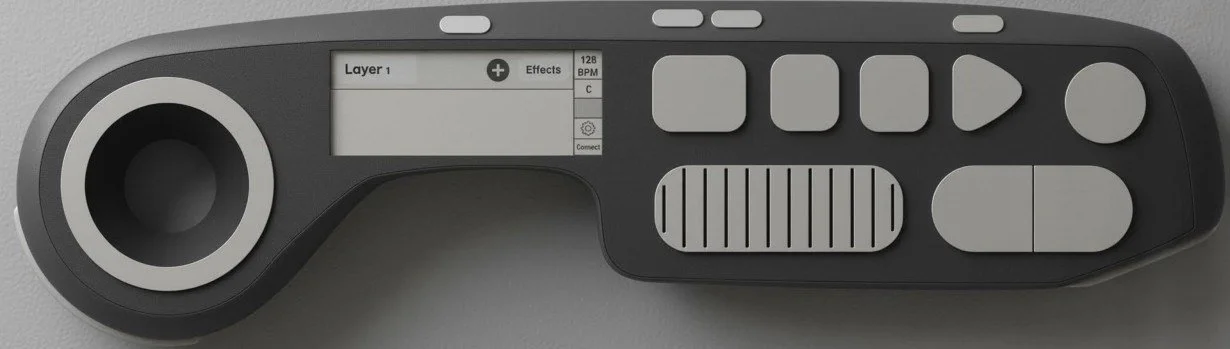
After doing testing with the screen development
and professor feedback, the screen is much too
small, and the buttons need to do more. The screen
carried too much of the weight of the interaction of
the device, and is too small to do as much as it
was doing.
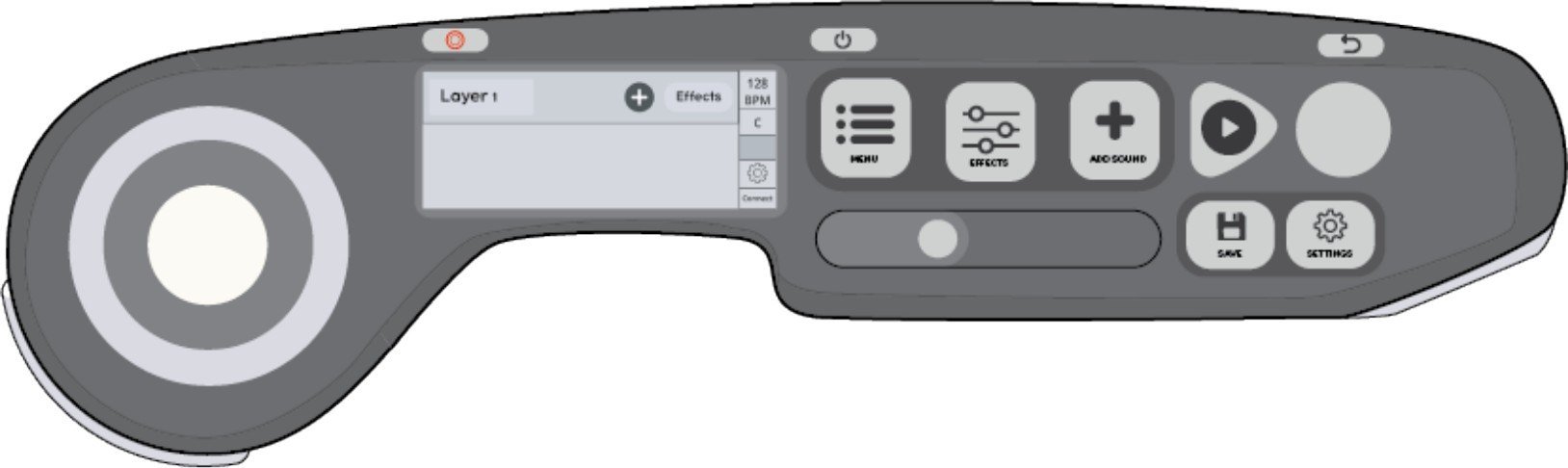
Button functionality, placement, and size all changed for final version
to simplify order of operations on the screen.
AI INTEGRATION
FORM DEVELOPMENT WITH VIZCOM
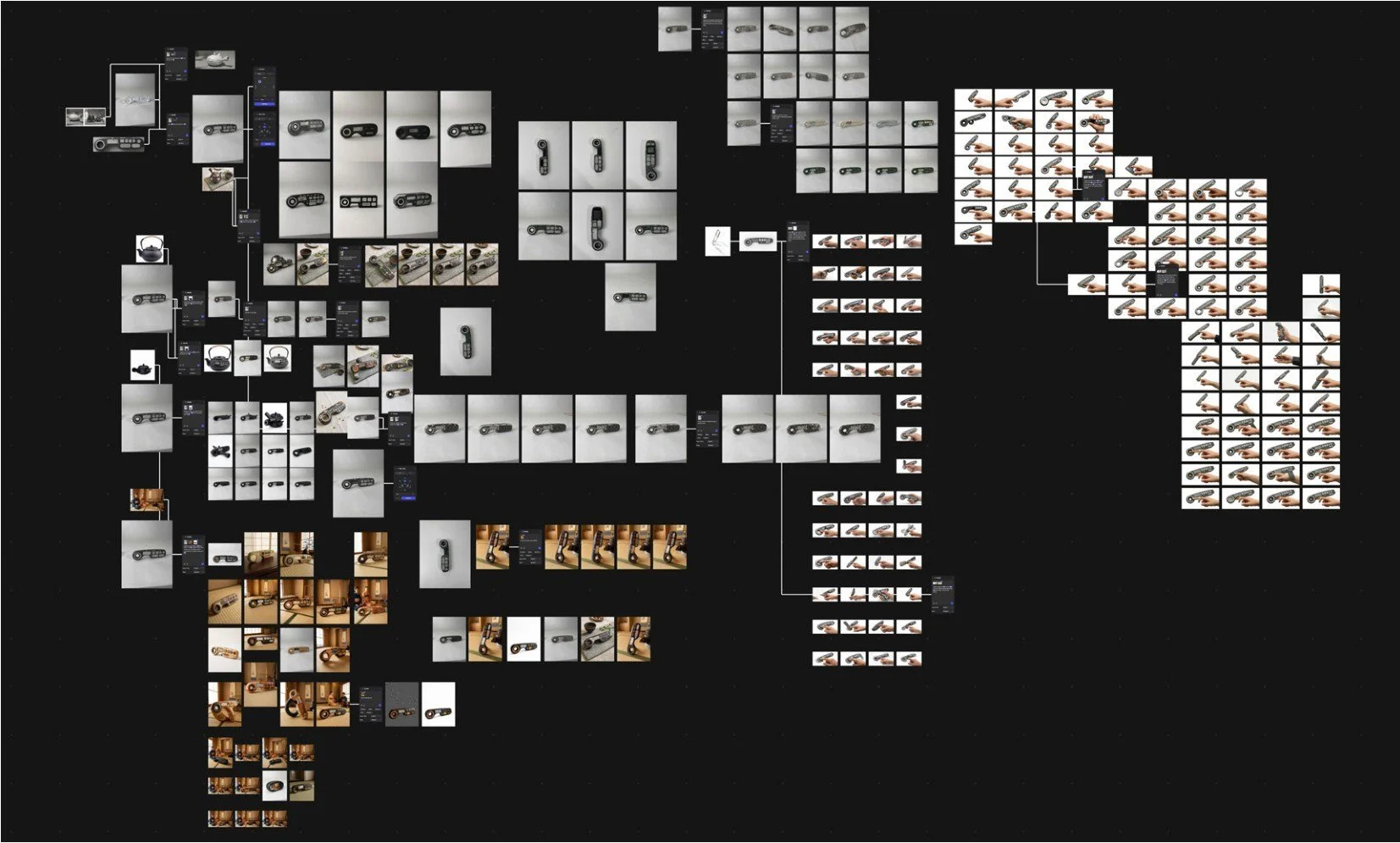
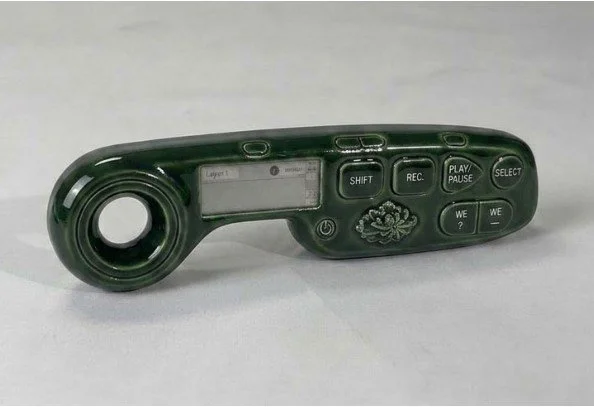
With little access to prototyping materials to experiment with form,
we used Vizcom to digitally develop the form and textures.
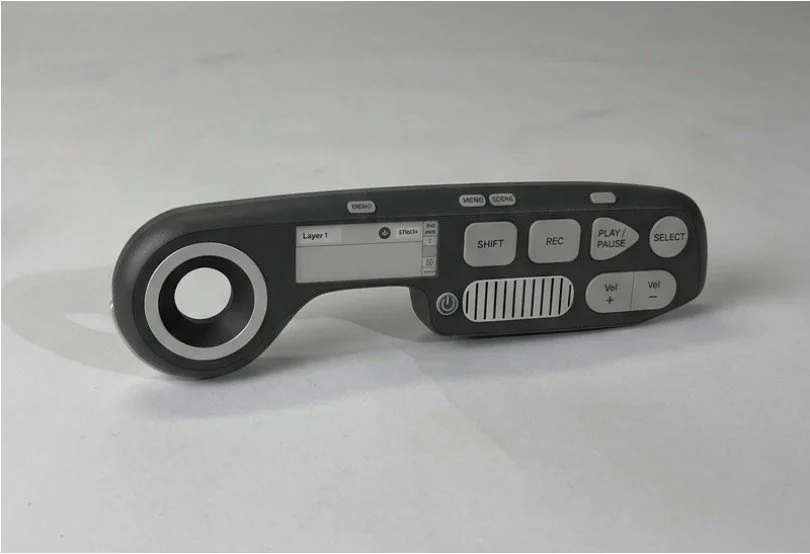
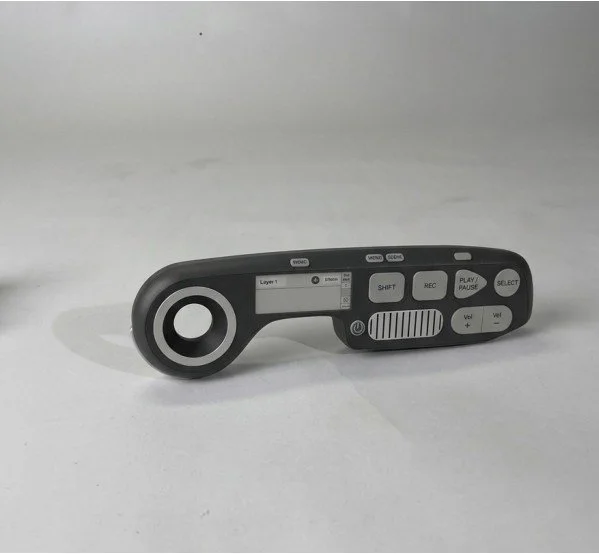
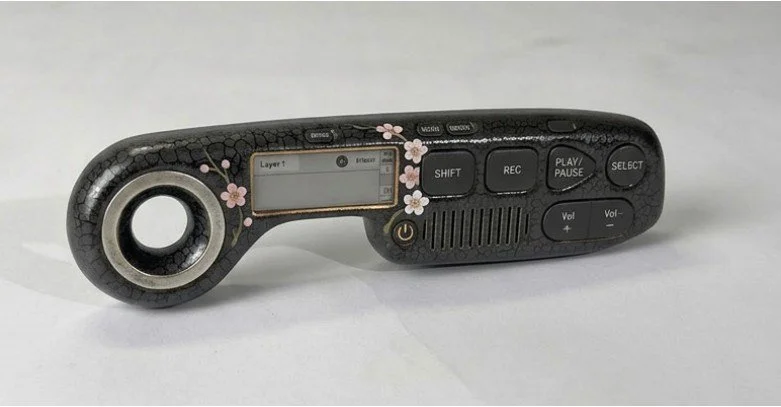
Most liked aesthetics from Vizcom.
CLAUDE INTEGRATION
VIBE-CODED INSTRUMENT DEMO

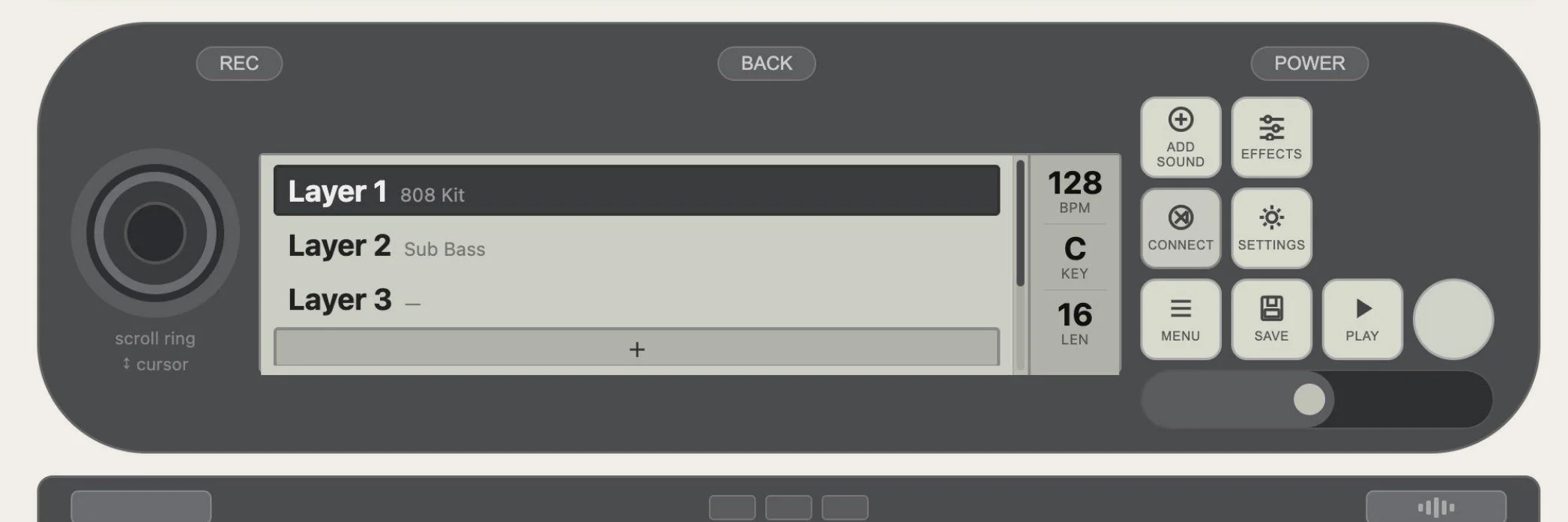
Virtual on-screen demo created with
Claude to iron out final screen
understanding and create a usable demo.
THE PHYSICAL DETAILS
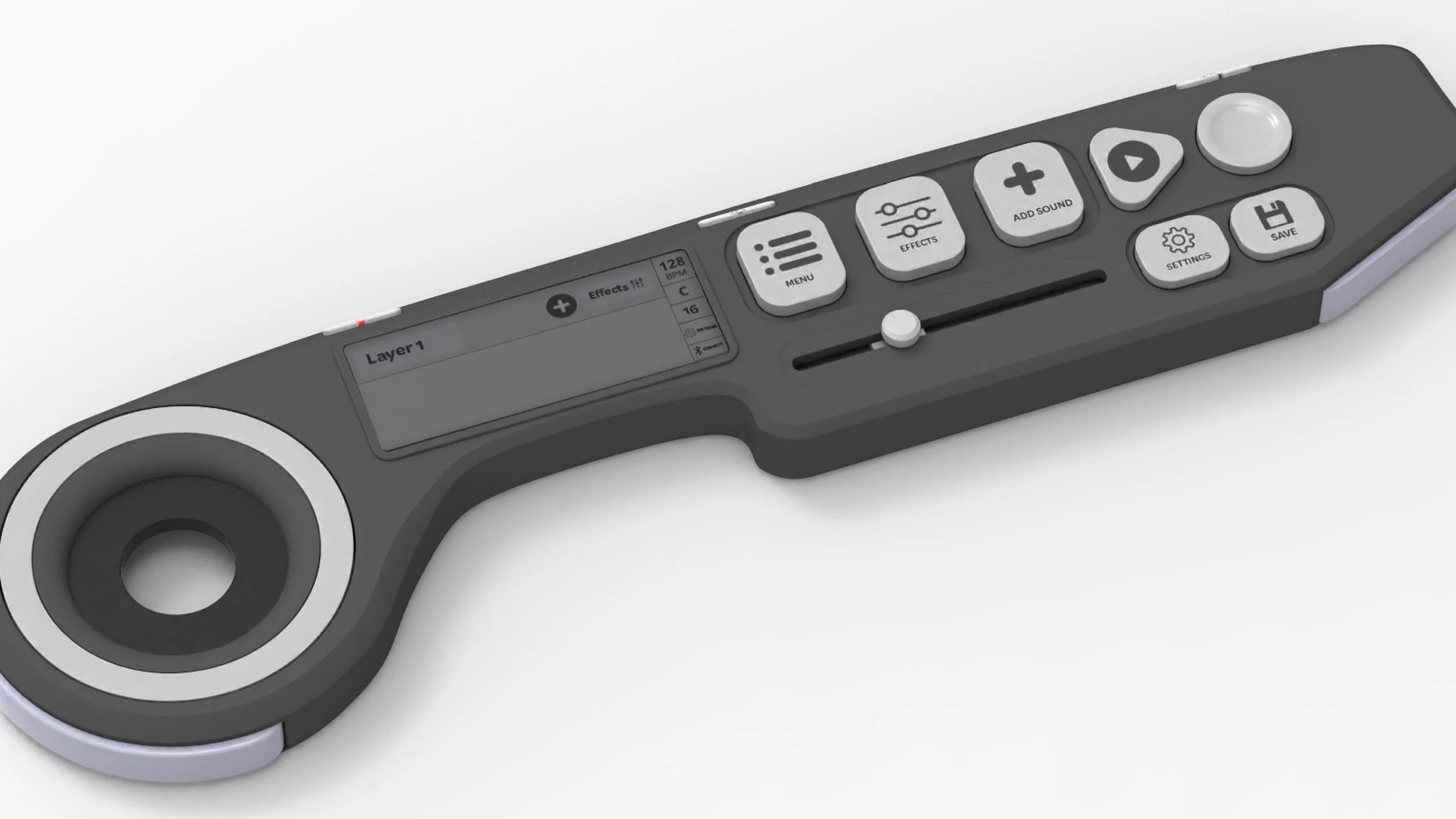
FINAL FORM CHANGES
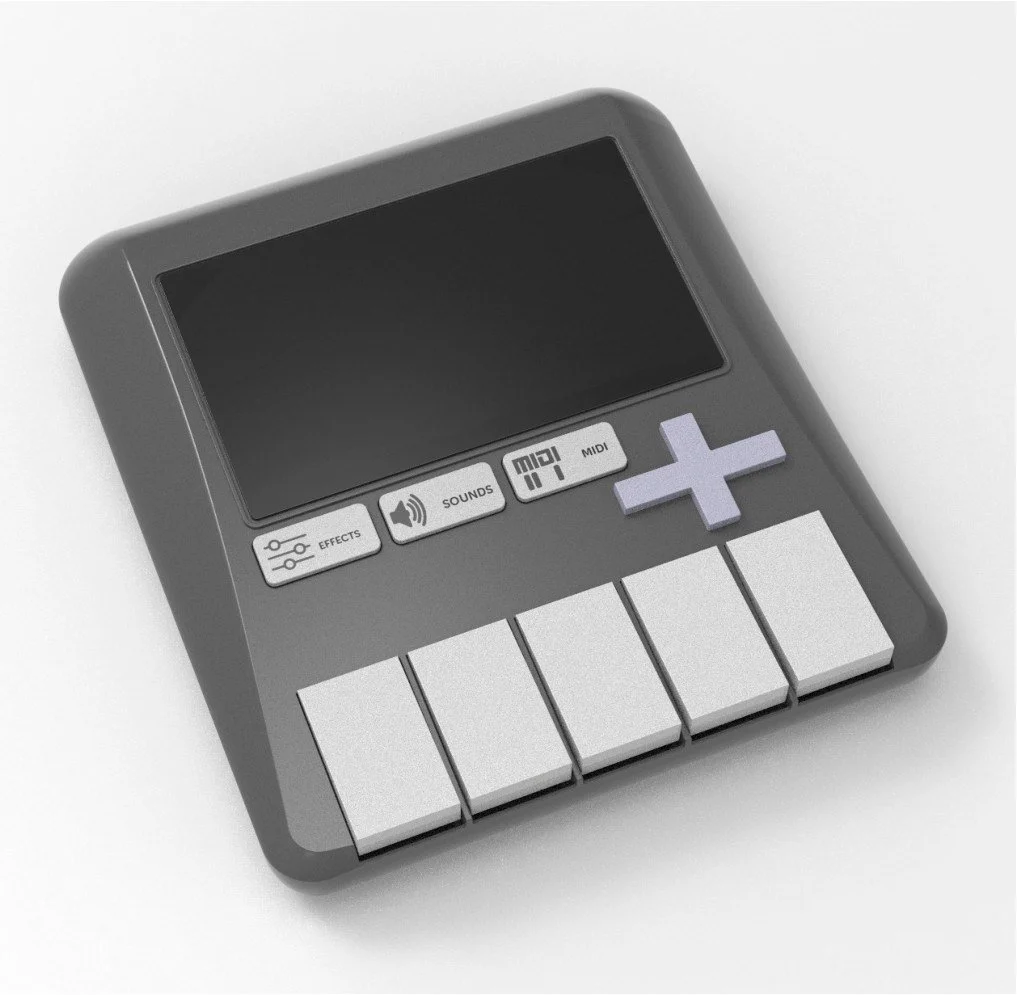
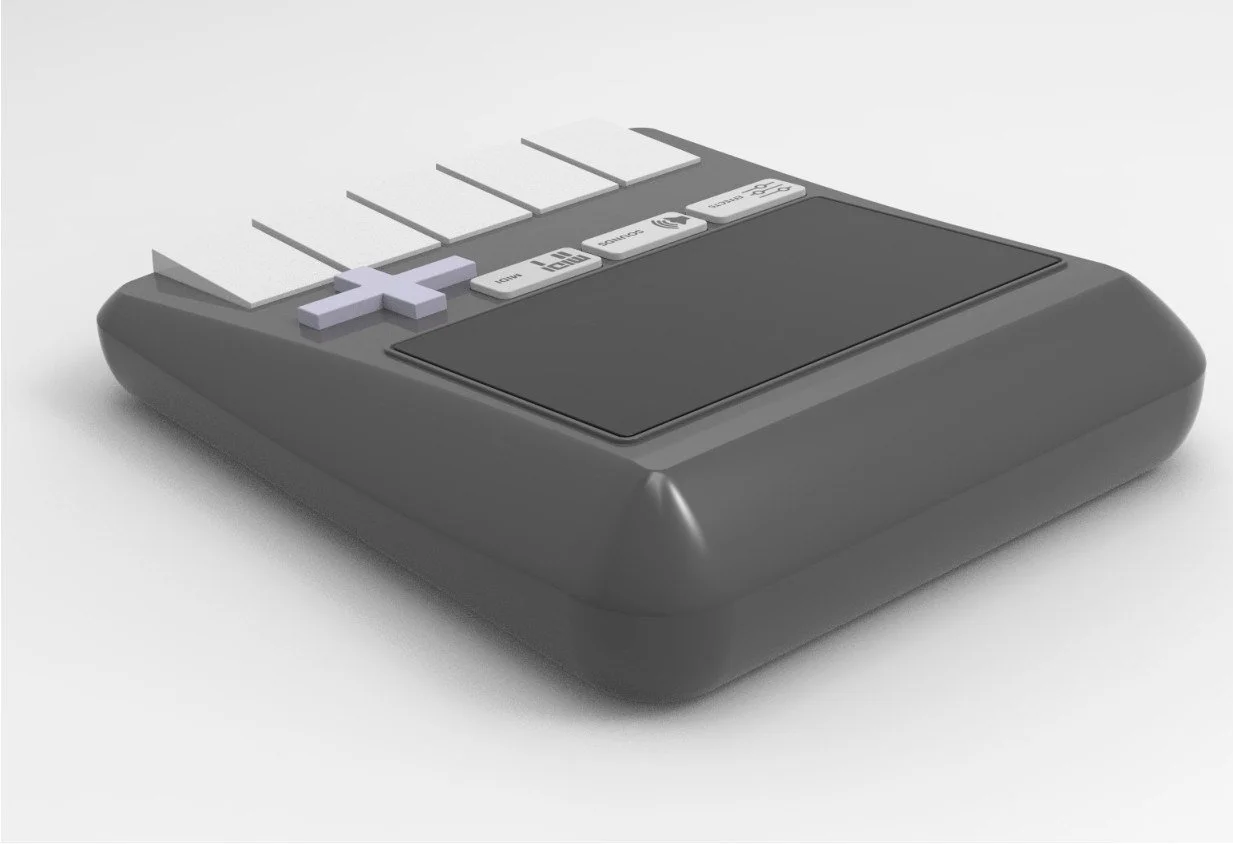
Aesthetic development applied to
attachment device
D-pad placement and size changed
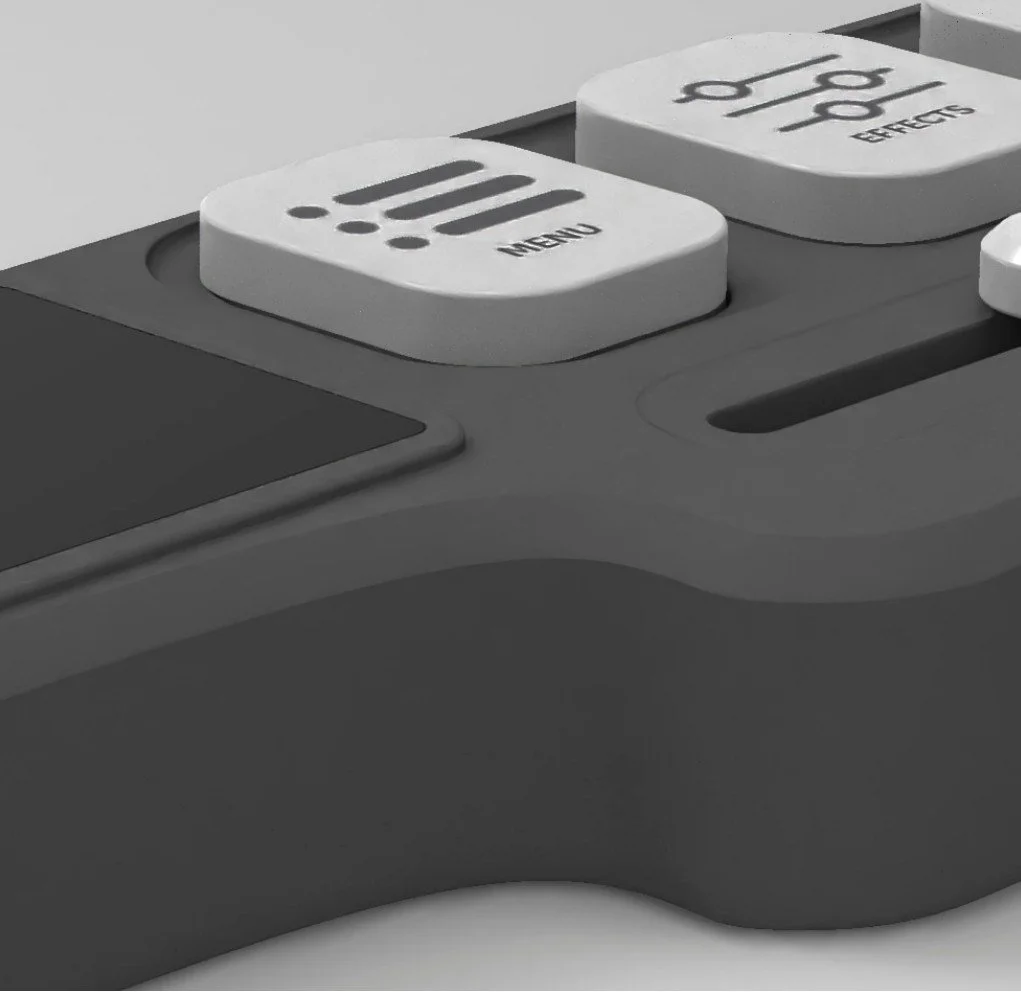
Final form curves refined to match
ergonomic prototype
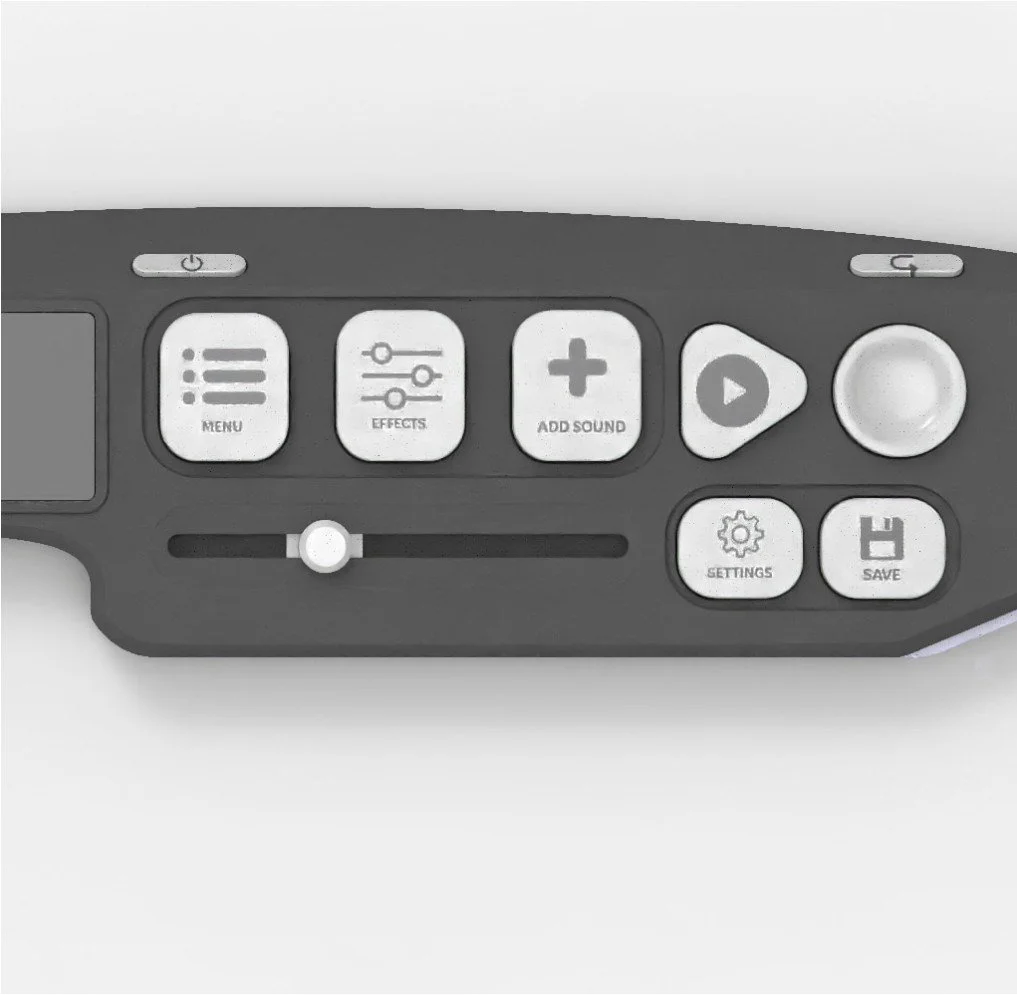
Final button layout decided, touch slider
changed to physical slider.
THE PHYSICAL DETAILS
FINAL FORM CHANGES
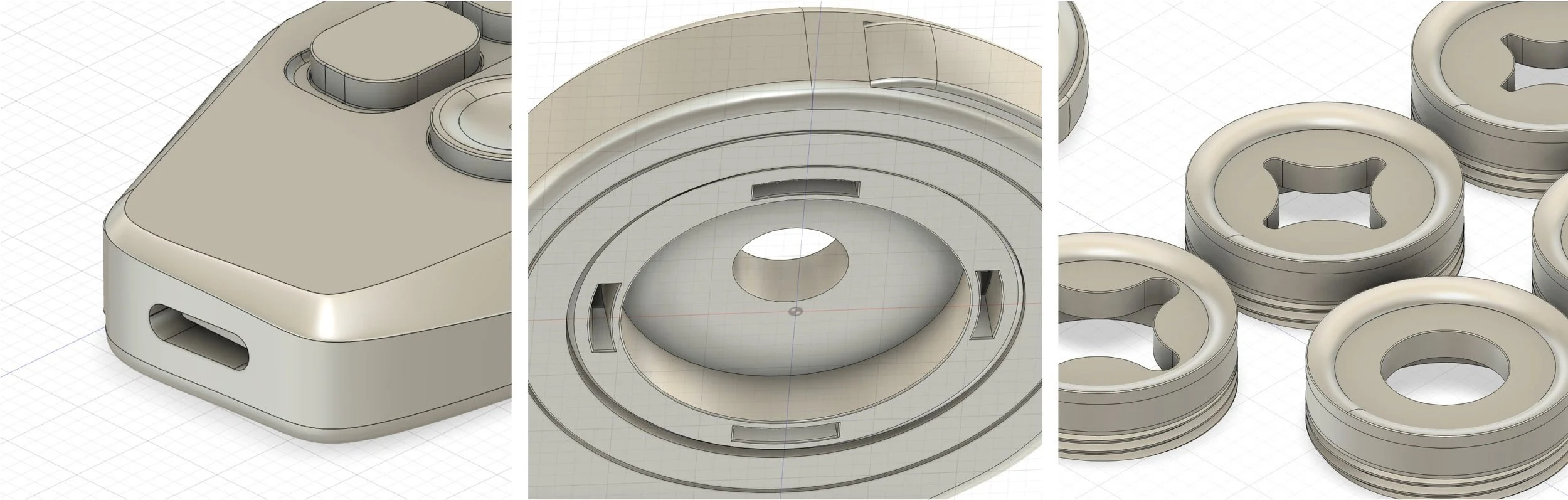
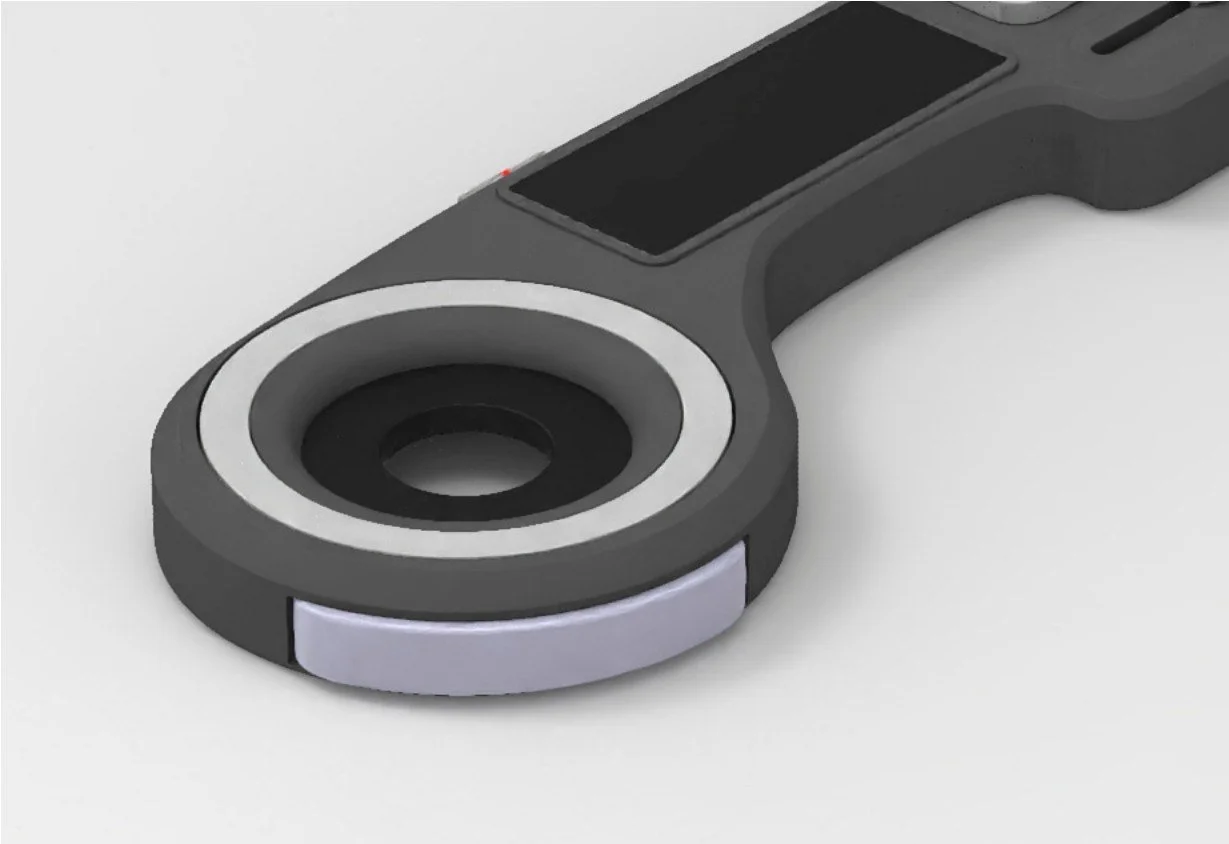
USB-C Charging
Removable rings
Different sized and shaped rings